Media kit
Window Ambience Studio Media Kit
This page gathers the official brand information for Window Ambience Studio. It is intended for journalists, bloggers, playlist curators, partners, calm venues and anyone who needs to reference the project accurately.
Use these descriptions, links and attribution notes when writing about the studio, preparing editorial coverage, curating playlists or evaluating the project for quiet spaces such as hotels, spas and waiting rooms.
Quick facts
Official brand facts.
Brand name
Window Ambience Studio
Format
Long-form ambience videos
Main use cases
Fake window projection, TV ambience, relaxation, immersive decor
Main themes
Rain, city, forest, snow, ocean, medieval and cozy atmospheres
Official website
Official YouTube channel
Contact
Public YouTube statistics
Audience & channel facts
Over 14,000total YouTube views
Over 60subscribers
11public videos
Long-form ambience videos for TV and projector use
Short description
Long description
Positioning
What makes it different.
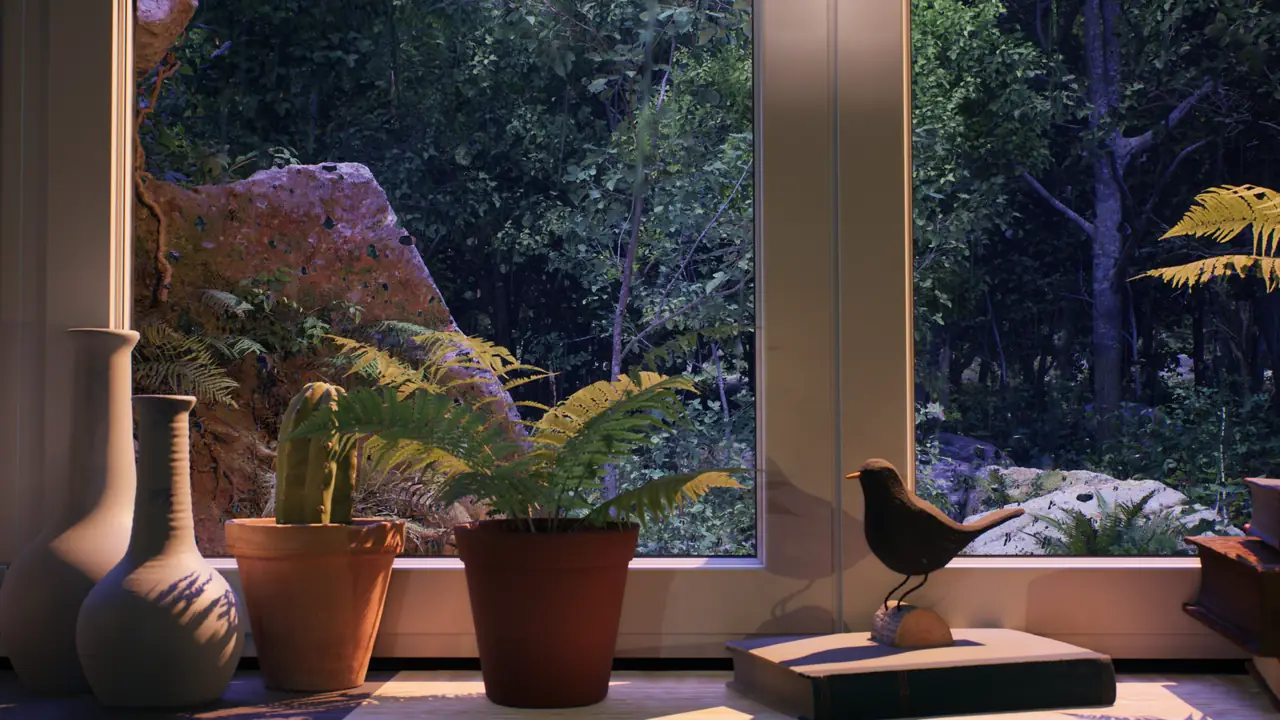
Window Ambience Studio is built around screen-based atmosphere: videos that can sit quietly inside a room and make a TV, monitor or projector wall feel closer to a peaceful window view.
- Videos designed as window views for screens and projector walls.
- Long-form format for extended background ambience.
- Slow, calm scenes with a cinematic visual direction.
- Suitable for TV, monitor and projector use in quiet rooms.
- Focused on immersive room ambience rather than short clips.
Suggested attribution
Window Ambience Studio - long-form fake window ambience videos for TVs and projector walls.
Professional contact
For press, playlist curation, partnerships, licensing or venue use, contact the studio through the contact form.
Assets
Brand assets and press materials.
Logo and banner assets are available now. Additional screenshots, press images and downloadable media kit files will be added when available.
Available
Logo
Official Window Ambience Studio logo.
Available
Banner
Official horizontal brand banner.
To add
Screenshots
Add selected video stills or website screenshots for editorial use.
To add
Press images
Add approved press images when they are ready.
To add
Media kit ZIP
Add a downloadable ZIP with logo, banner, screenshots and press images.