YouTube on the TV
Open YouTube directly on the TV, search Window Ambience Studio, then switch to full screen and let one long scene run. This is the easiest method if you want fast access and do not need offline playback.
Frame TV guide
Window Ambience Studio videos suit Samsung Frame TV owners because the scenes are composed like quiet window views rather than fast entertainment clips. Stable framing, soft weather, restrained lighting and long durations help the screen sit inside the room as decor instead of demanding attention.
Rainy windows, forest views, snowy interiors, and calm city scenes work especially well on a Frame-style display because they create depth without filling the wall with distracting motion. The result can feel closer to a believable virtual window than a typical loop or bright screensaver.
For Frame TV owners, the distinction is simple: use Art Mode for still artwork or photos, and switch to full-screen video when you want the motion of a fake window scene.
Important note
This page is an independent guide about using Window Ambience Studio videos on a Samsung Frame TV. It is not affiliated with Samsung, and it does not use Samsung logos or brand assets.
If you want to compare more scene types first, start with Best Fake Window Videos .
Playback methods
The simplest approach is to treat the TV as a high-quality screen for long-form ambience playback. Choose the method that matches how you already watch YouTube or local media on the television.
Open YouTube directly on the TV, search Window Ambience Studio, then switch to full screen and let one long scene run. This is the easiest method if you want fast access and do not need offline playback.
If your model and file format are supported, copy a preferred ambience video to a USB drive and play it through the TV media browser. This can be useful when you want a local file and no app switching.
Cast or mirror a video from a phone, tablet or computer when you prefer queueing scenes from another device. This is practical for testing several moods before settling on one for the room.
Best scenes
The most convincing scenes on a Frame TV usually keep a clear horizon, a readable interior edge and motion that stays slow enough for background use. Long duration matters because the mood should not be interrupted every twenty minutes.
Resolution matters too, but composition matters more. A stable rainy city or forest window often feels more realistic on a wall-mounted TV than a sharper scene with too much contrast or too many cuts.
Rain ambience
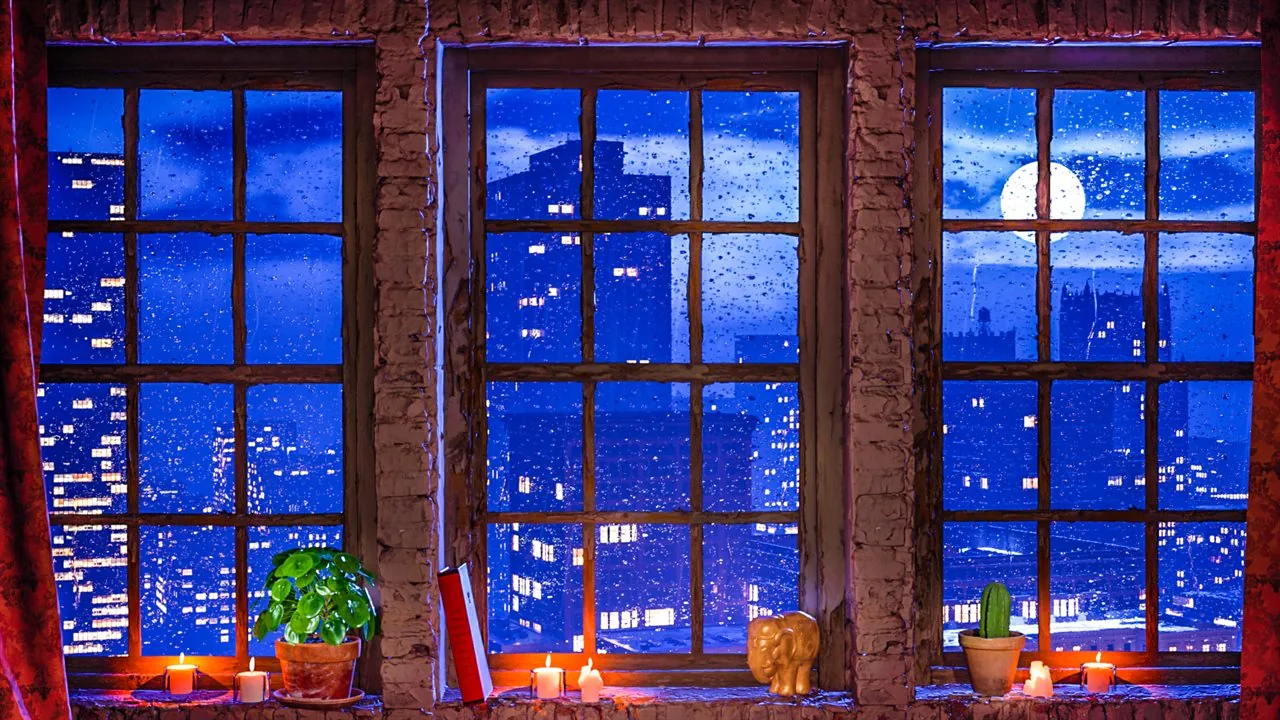
A balanced rainy city window with moonlight, candles and reflections. A strong choice when you want a calm, all-purpose fake window that still reads clearly from across the room.
Watch on YouTube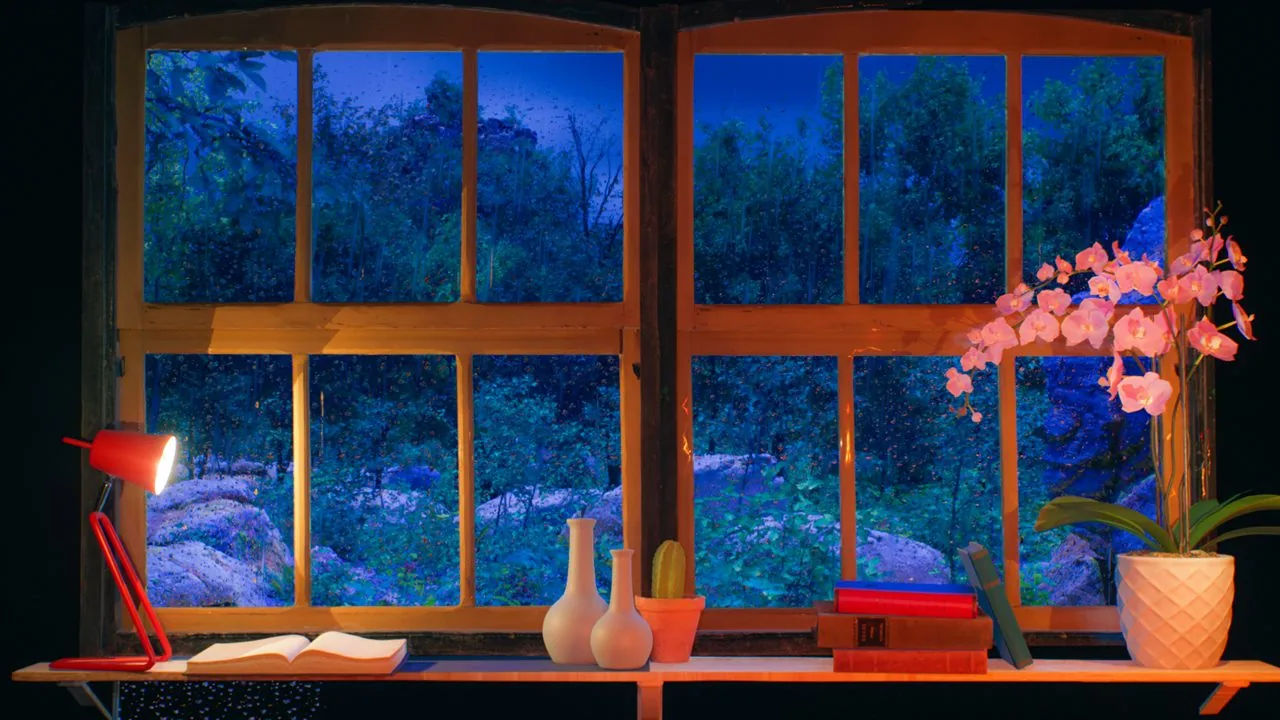
Rain ambience
Blue rain, warm indoor light, books and plants make this one especially convincing on a Frame TV because the screen already feels anchored inside a lived-in interior.
Watch on YouTube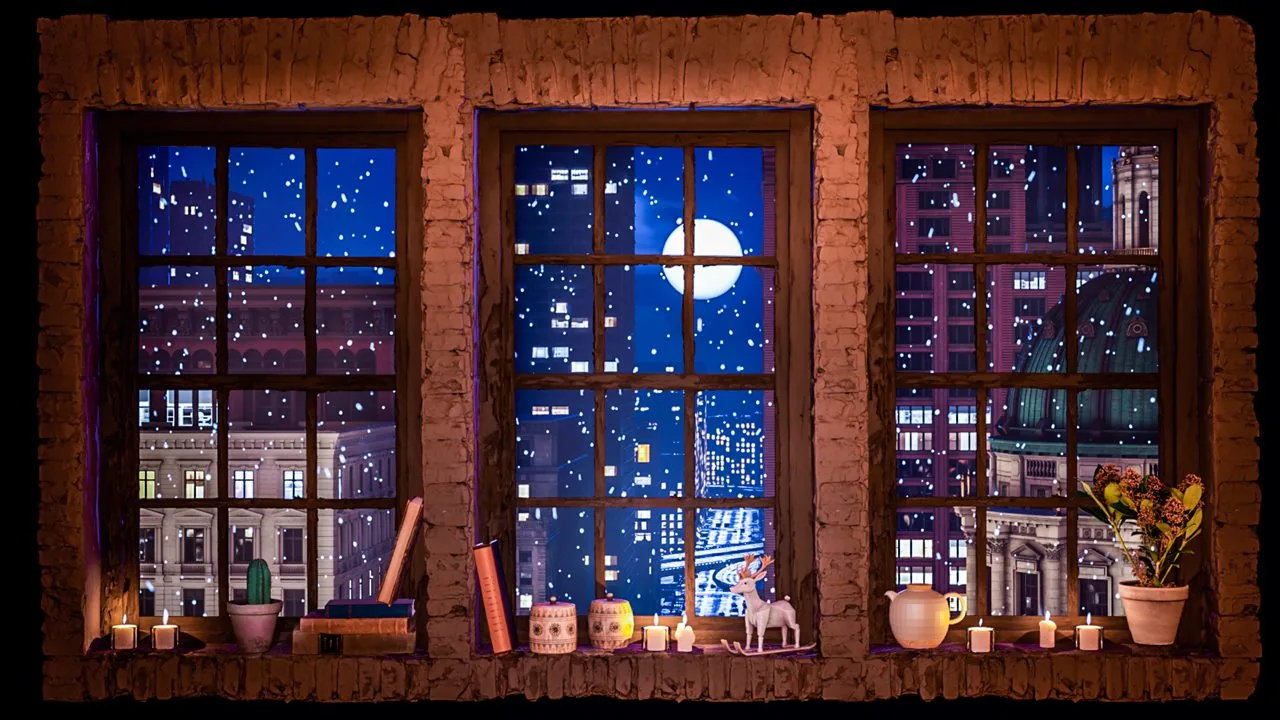
Snow ambience
A slower winter scene for evenings and colder interiors. The movement stays gentle, which helps the television behave more like decor than active content.
Watch on YouTube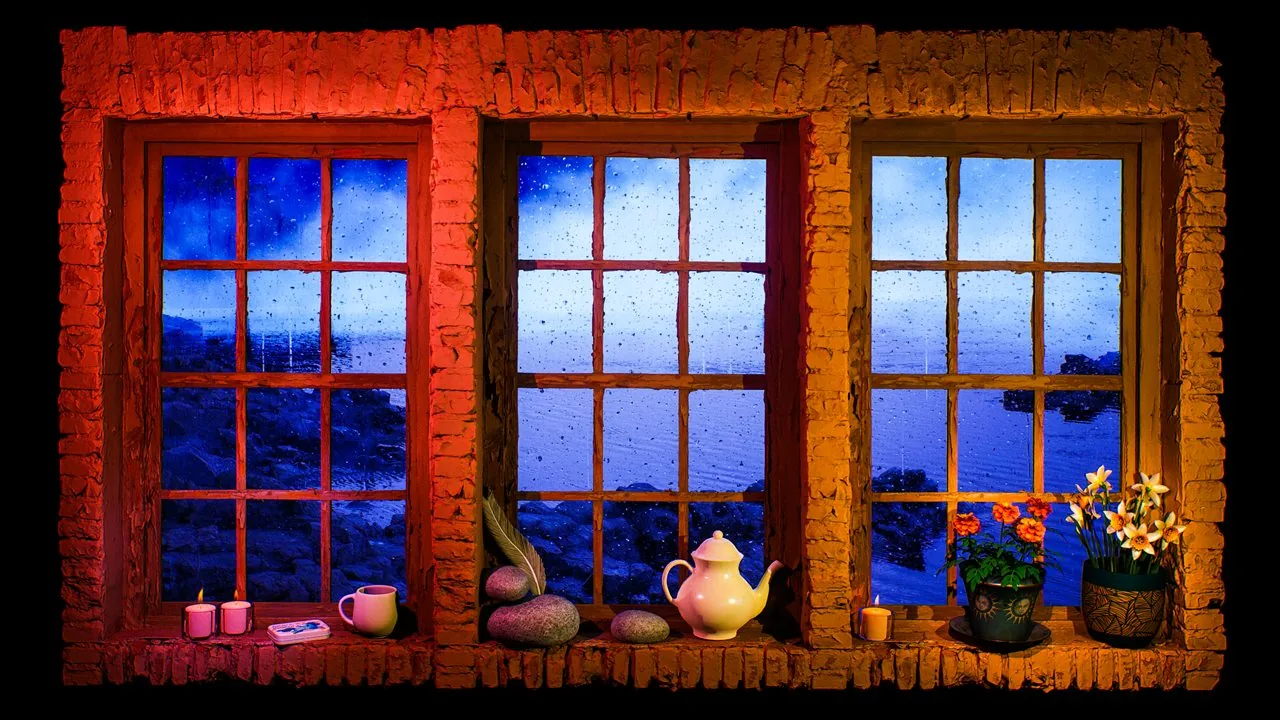
Fake window projection
Choose this when you want a more cinematic room mood without losing the stable window composition that makes the effect believable on a wall-mounted display.
Watch on YouTubeFor more rain-led options, compare the dedicated Rain Ambience page.
Convincing effect
The decor effect depends as much on placement and restraint as on the video itself.
If you want the same atmosphere on a larger wall, continue with For Projection .
FAQ
Short answers for owners who want a calmer, window-like screen effect.
Yes, especially the slower scenes with stable framing and clear depth. Rainy windows, forest views and calm city scenes usually look more natural than fast or heavily edited footage.
Not exactly. Art Mode is generally used for still artwork or photos, while Window Ambience Studio videos are meant to be played as full-screen video when you want a moving fake window effect.
A scene with restrained brightness, a believable window composition and very slow motion usually works best. Rain, snow, forest and calm evening city views are good starting points.
Watch next
Open the Window Ambience Studio channel for long-form screen ambience, or compare more fake-window candidates in the full video catalog.