Long duration
A long video reduces menus, restarts and visible transitions. It can stay present through reading, dinner, work or an evening wind-down.
Editorial guide
The best fake window videos do more than fill a screen with a scenic view. They use stable framing, believable depth and restrained movement so a TV, monitor or projector can sit inside a room like a quiet opening onto another place.
This guide compares every active Window Ambience Studio video by mood and practical use. The recommendations are not a universal ranking: a bright forest can be ideal for a study, while a dark rainy city may suit sleep or an evening living room better.
Start with the atmosphere you want, then consider screen size, room light, sound and viewing duration. Every scene below is an original long-form 3D environment available on the official YouTube channel.
What to compare
A convincing choice balances four qualities. The right mix depends on whether the screen is meant to resemble a window, support an activity or simply soften an unused display.
A long video reduces menus, restarts and visible transitions. It can stay present through reading, dinner, work or an evening wind-down.
A fixed viewpoint and clear foreground make the image easier to read as a window. Frequent camera changes weaken that illusion.
Rain, distant traffic, water, snow and foliage create life without demanding constant attention. Sudden movement is less suitable for quiet background use.
Rain, birds, thunder, ocean or city tone should match the visual space. Low volume or muted playback often works best in shared rooms.
Weather and shelter
Choose rain when you want visible weather, a protected interior feeling and steady sound that can remain in the background.
Explore the complete rain ambience guide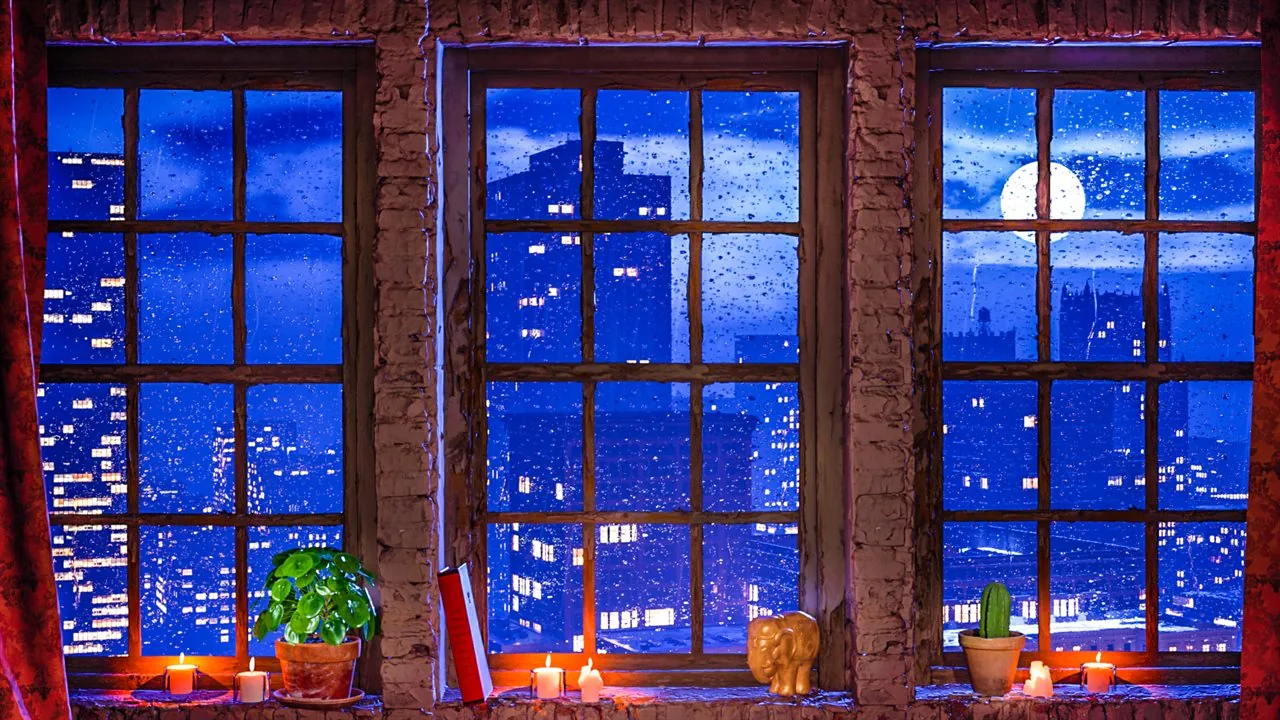
Rain ambience
Moonlight, candles and wet city reflections make this the most balanced all-purpose rain window. It suits TVs, bedrooms and believable fake window projection.
Watch on YouTube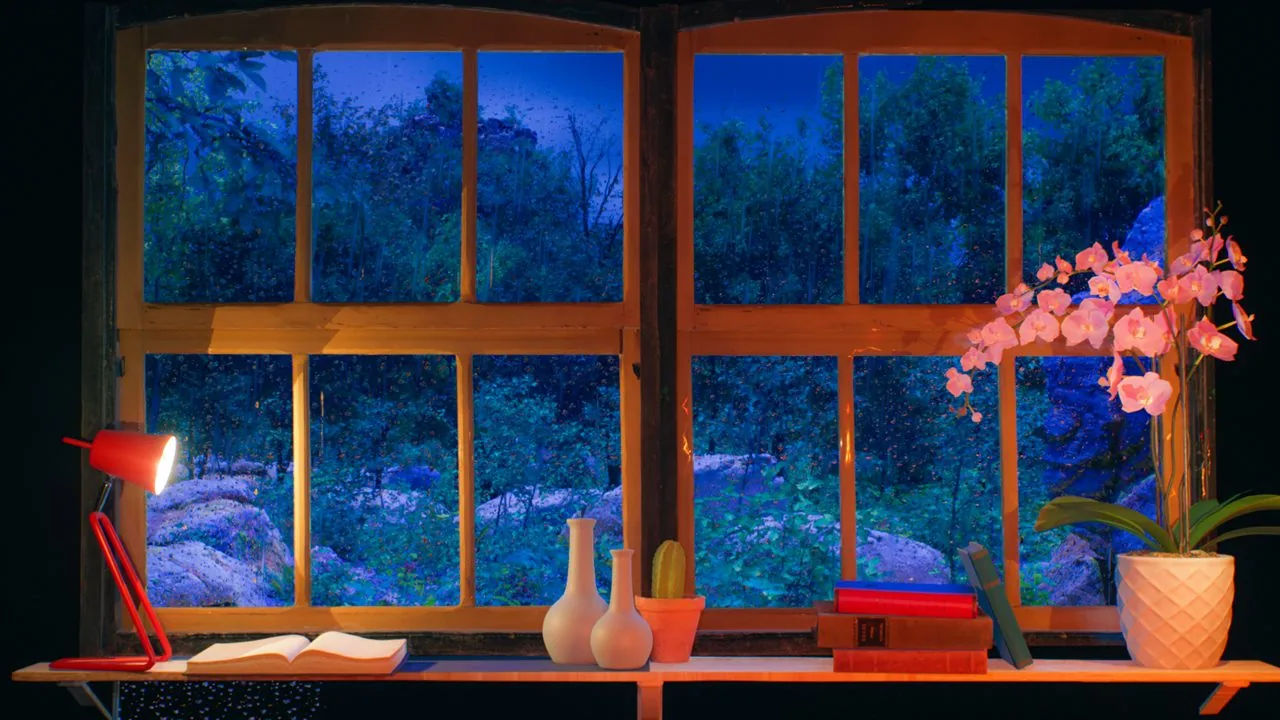
Rain ambience
Blue forest rain and warm bookshelves create a clear indoor-outdoor contrast. Choose it for reading corners, relaxation and nature-focused projector walls.
Watch on YouTube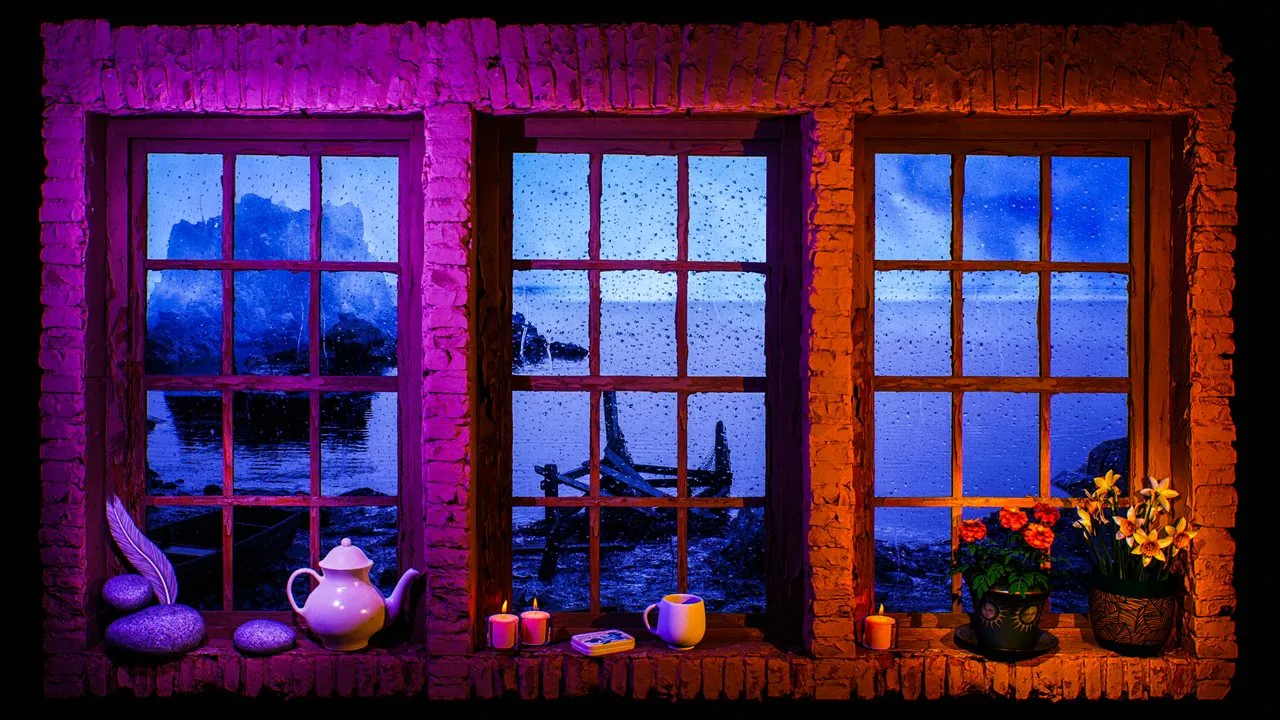
Fake window projection
The lake view contrasts cool weather outside with warm two-tone lighting inside. Its broad composition works especially well for larger projected windows and calm evening rooms.
Watch on YouTubeWarm interiors
These scenes combine weather, city light or rich interior color with enough activity to support dinner, conversation and relaxed evening viewing.
Compare candlelight and warm-light ambience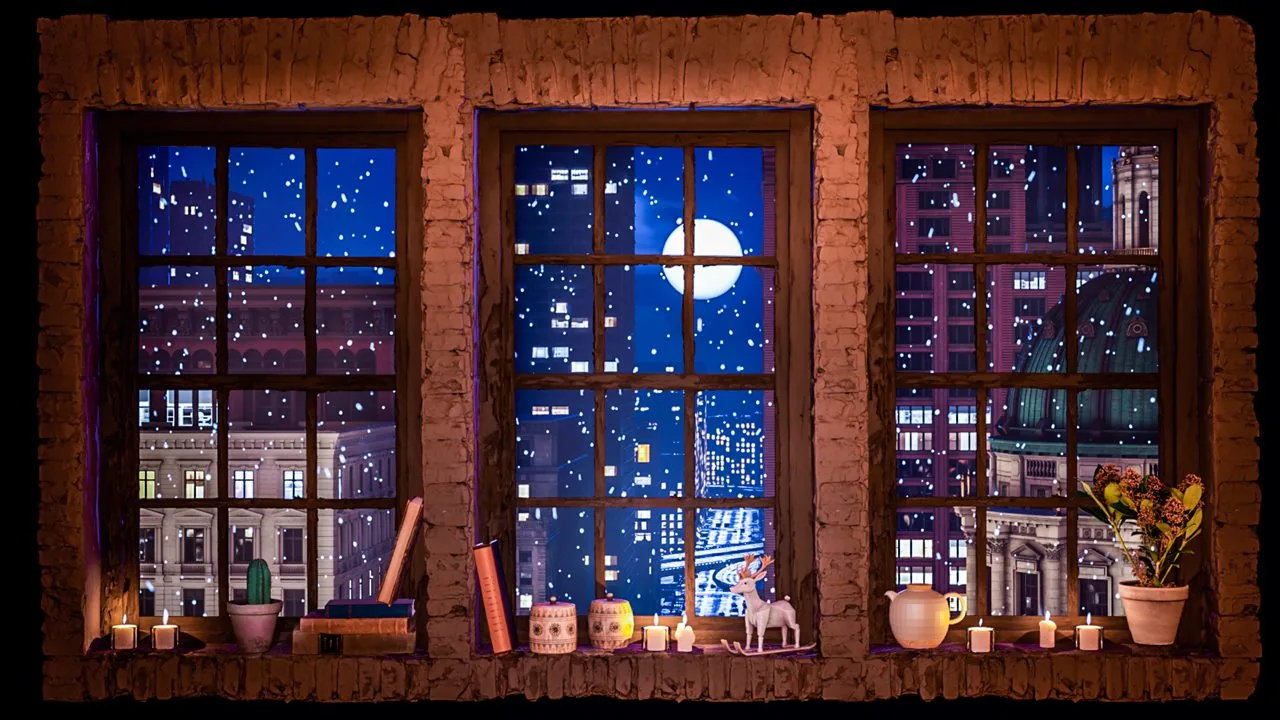
Snow ambience
Snow, candlelight and warm decor give this scene a sheltered winter character. It is a strong choice for seasonal rooms, reading and a quieter living-room screen.
Watch on YouTube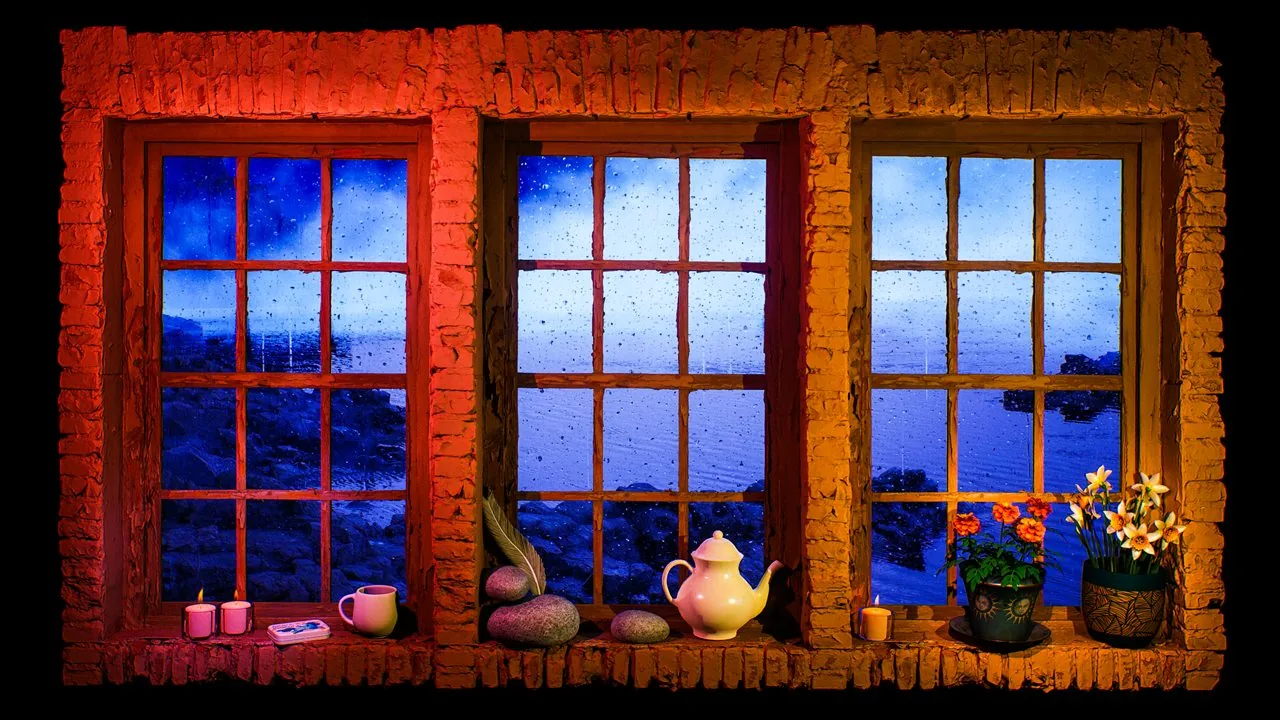
Fake window projection
Red lighting and floral details make this lake window more cinematic than neutral. Use it when you want the screen to add warmth and color to a cozy dinner or evening room.
Watch on YouTube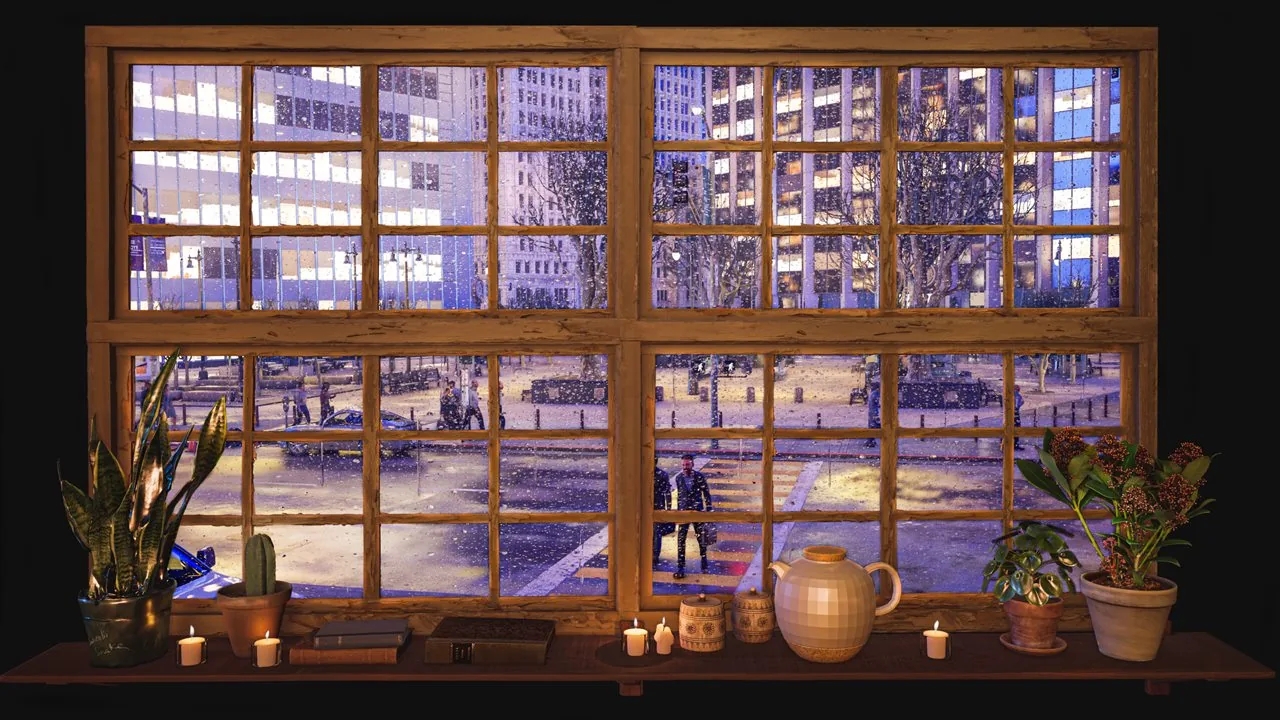
City window ambience
Traffic, pedestrians, rain and candlelit warmth create the liveliest cozy scene in the catalog. It works well for social rooms where a little street movement feels welcome.
Watch on YouTubeLow distraction
For a bedtime routine, favor darker framing, slow distant movement and a brightness level that does not light the whole room.
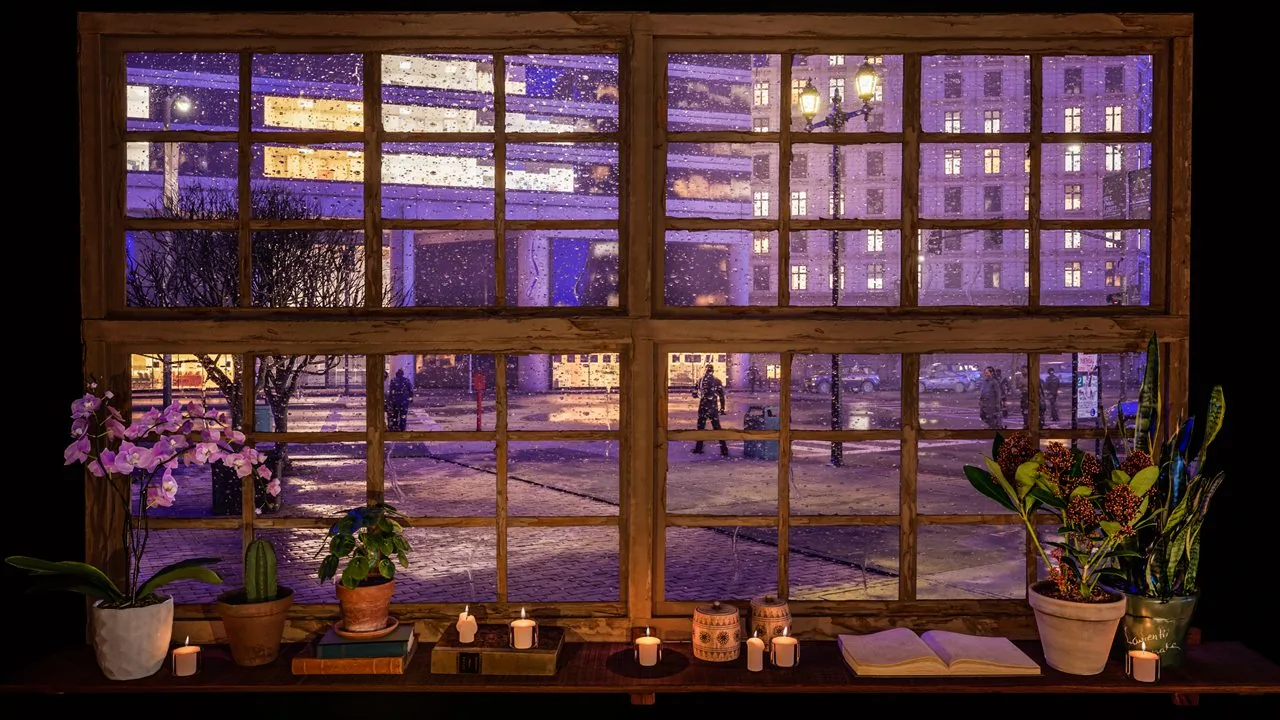
City window ambience
This broad rainy city view moves slowly and keeps most activity at a distance. Lower the brightness and volume for a restrained pre-sleep background.
Watch on YouTube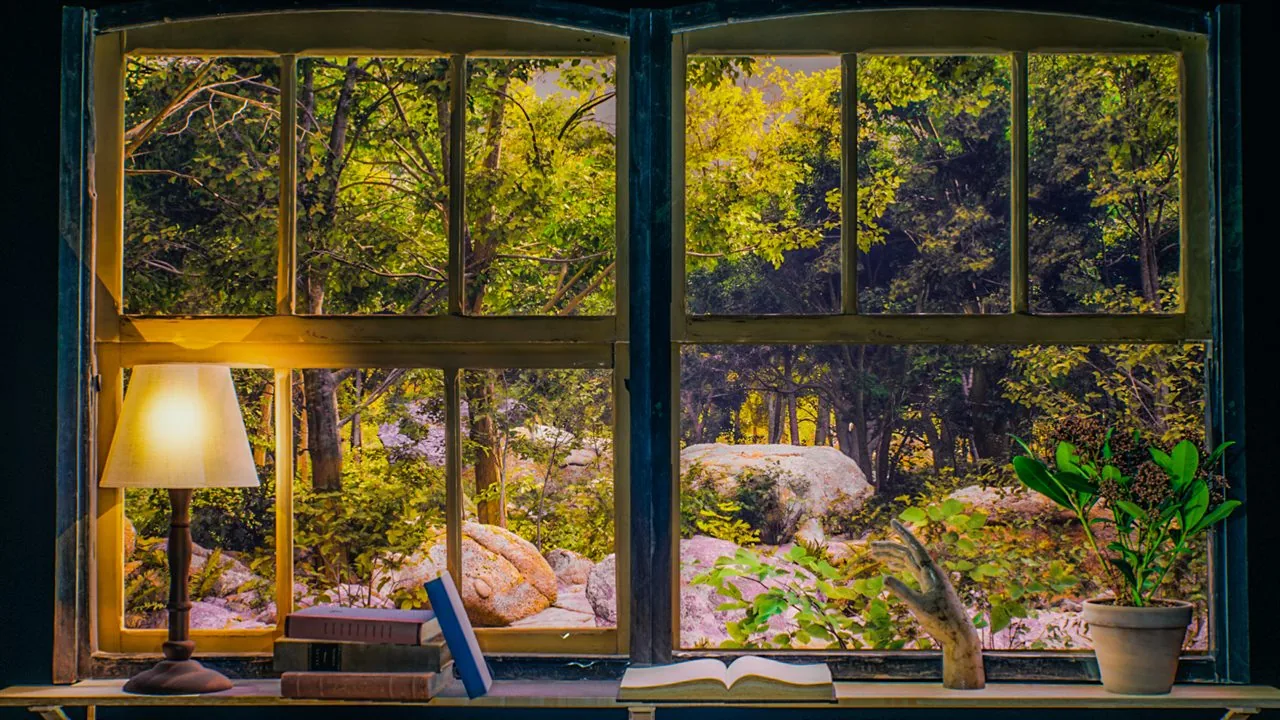
Nature window ambience
The bright forest is better for daytime rest than a dark bedroom. Birds and distant thunder make it useful for naps, quiet mornings and calm recovery spaces.
Watch on YouTubeCinematic worlds
Fantasy-oriented scenes replace an ordinary exterior view with architecture, ruins and atmospheric depth suited to immersive decor.
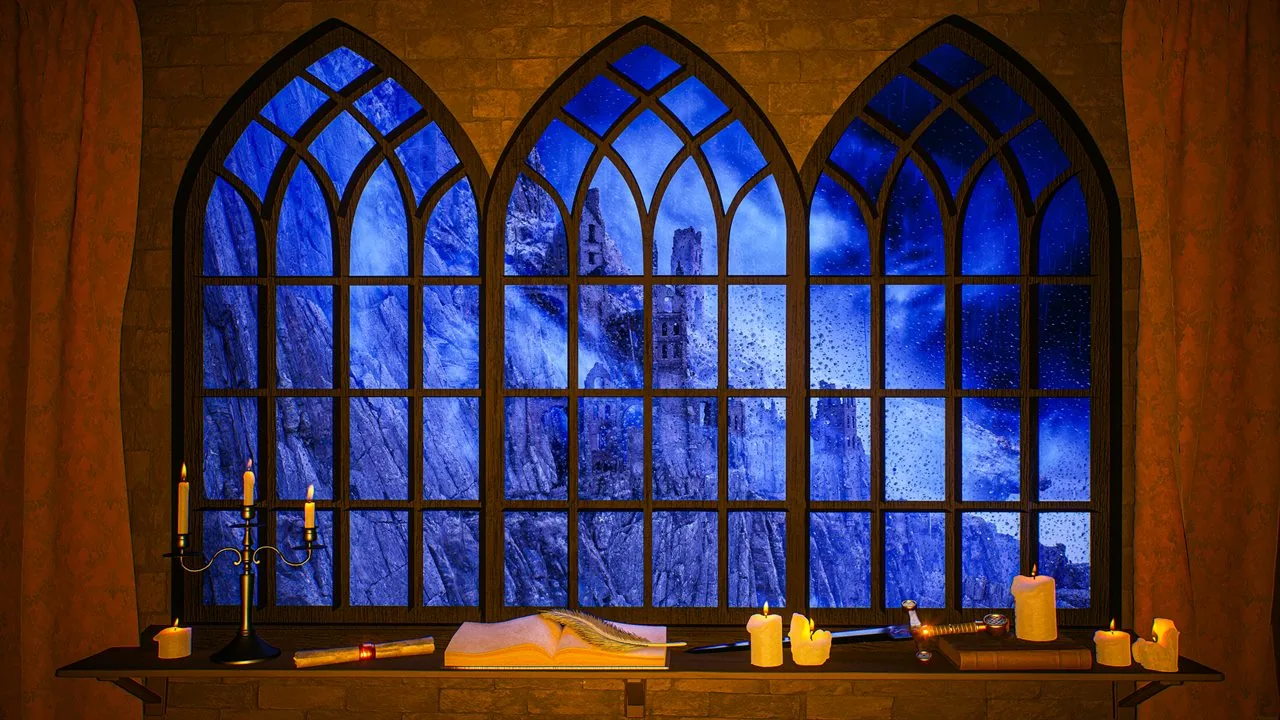
Medieval ambience
Blue rain, gothic stonework and candlelit details create the clearest medieval window in the collection. It suits reading, tabletop sessions and dramatic projector installations.
Watch on YouTube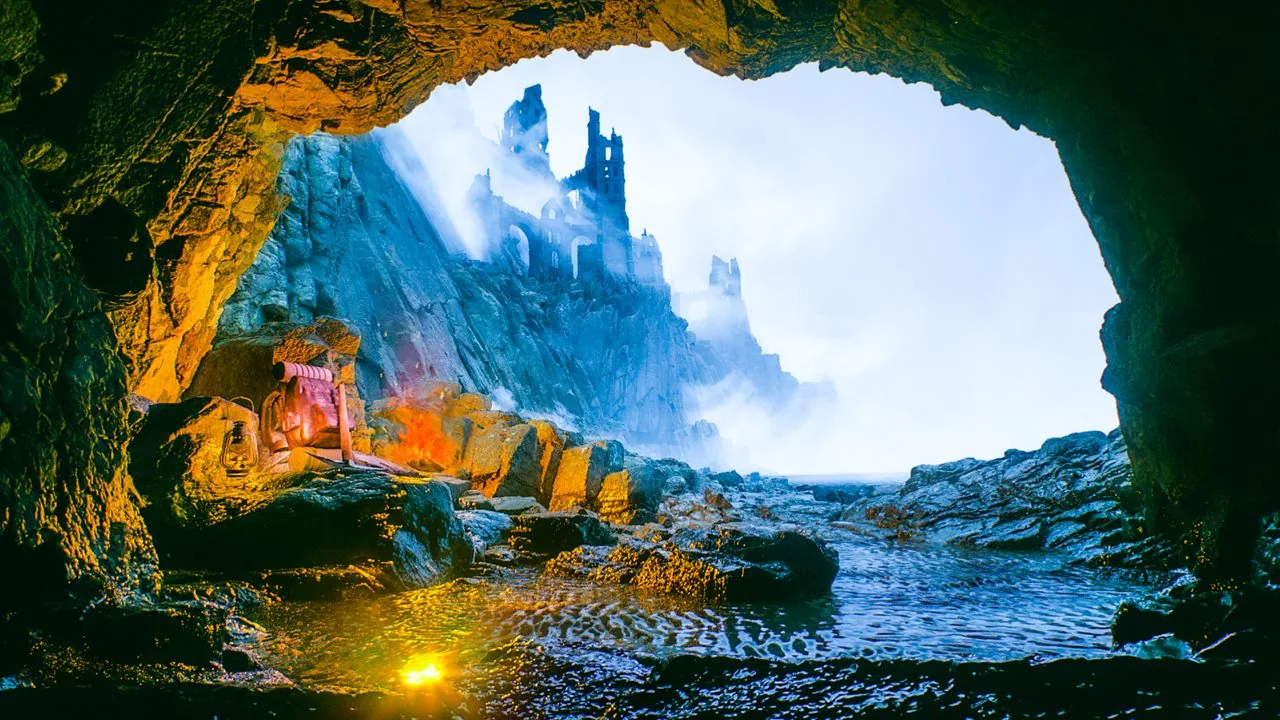
Ocean / ruins ambience
A cave opening toward mist, water and distant ruins offers a wider cinematic landscape. Choose it for ocean atmosphere, fantasy rooms and screens that should feel more cinematic and less like an everyday home interior.
Watch on YouTubeQuick selection
Match the scene to the room before choosing by title alone. A video that looks impressive at full brightness may become distracting when it runs for several hours.
Choose a composition with clear edges and medium detail, then use a cinema or warm picture mode. City, snow and lake scenes remain readable from across a living room.
Favor stable window framing, moderate contrast and a surface with little visual clutter. Rainy city, forest and lake views usually preserve the fake-window effect at larger sizes.
Use slow nature or restrained rain scenes and place the screen outside your direct work area. Keep sound low enough that it does not compete with language or conversation.
Select a darker scene, reduce brightness and set a timer. If any moving image keeps you alert, use the video only during the wind-down period and turn the screen off later.
For wall choice, throw distance, image scale and ambient-light control, continue with the complete fake window projection guide . It explains how to turn a selected scene into a practical room setup.
Frequently asked questions
Short answers to the most common questions about choosing and displaying long-form window ambience.
A rainy city, snowy window or lake scene is a reliable starting point because the composition stays readable on a standard TV. The best option still depends on room light and mood: choose warm city detail for evening use, forest for a calmer daytime view and darker rain for rest.
Yes. Projectors can create a larger and more architectural fake window, especially on a pale uncluttered wall. Use a stable scene, control nearby light, keep the image at a believable scale and position the projector so fan noise, shadows and cables do not undermine the effect.
Start with a dark rainy city, lake or forest scene with slow movement and even sound. Reduce brightness and volume, disable autoplay and set a sleep timer. Screen light affects people differently, so turn the display off if it delays rest or remains visually active.
Continue exploring
Open the full catalog, watch the original long-form videos on YouTube or plan a larger fake window with the projection guide.