
Projection guide
Fake Window Projection Videos for TVs and Projector Walls
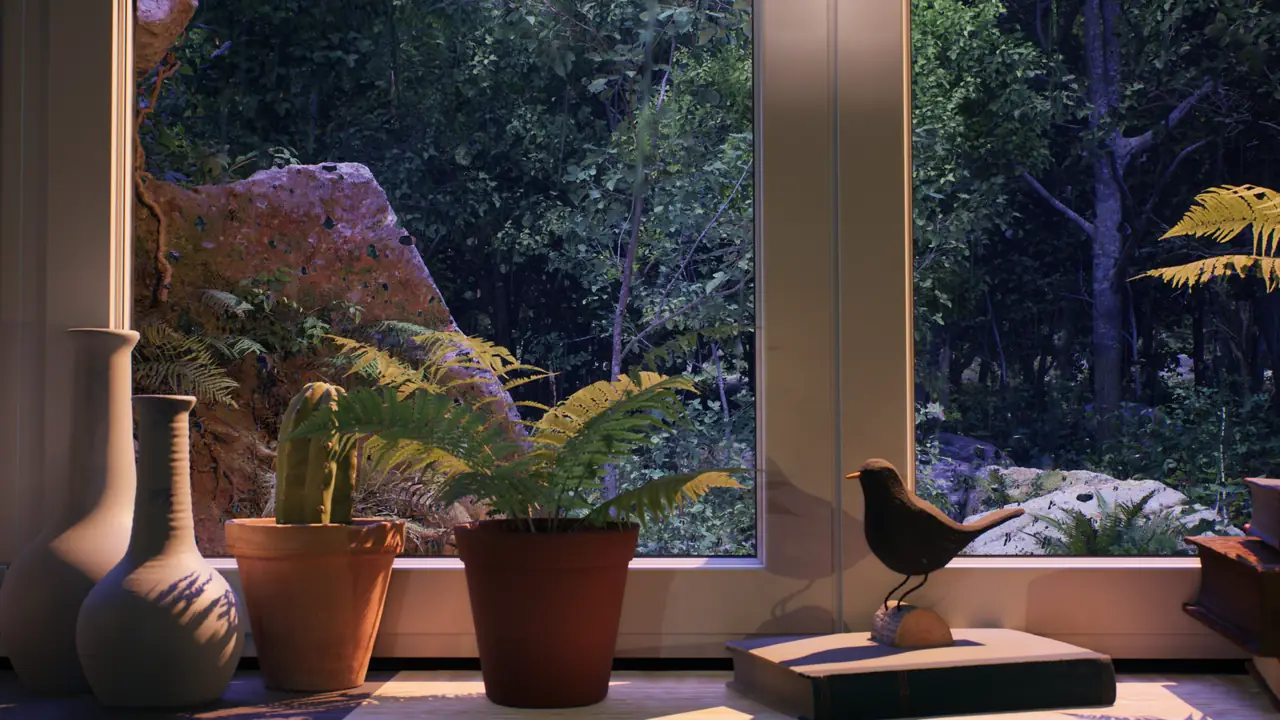
Fake window projection is a simple way to use an ambience video as a visual window. Instead of leaving a wall, TV or monitor blank, you display a slow window-view scene that adds depth, soft motion and atmosphere to the room.
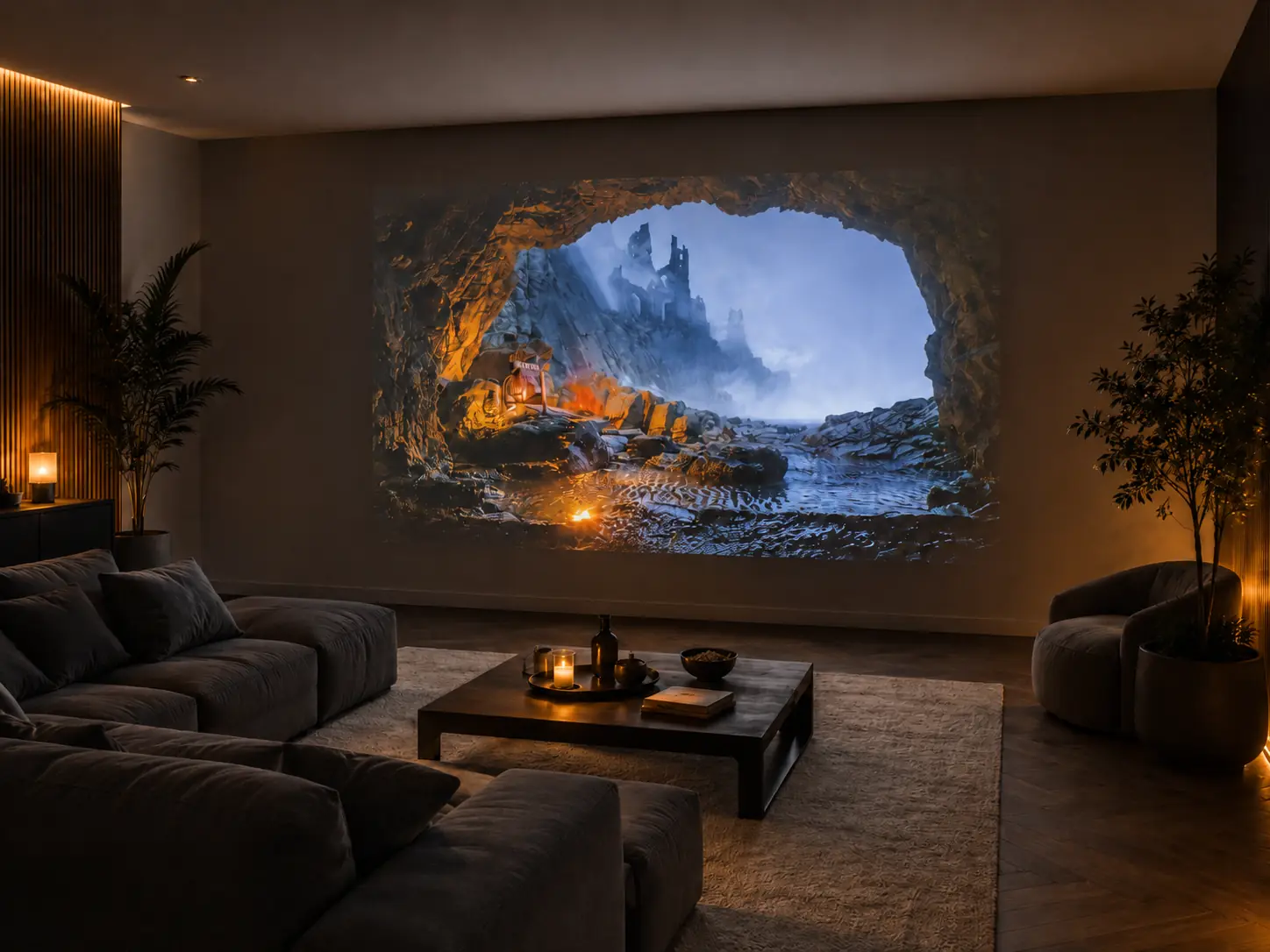
The same idea can work with a projector wall, a television or a smaller screen. A projector can make the effect feel large and immersive, while a TV fake window or monitor setup can be easier to place in bedrooms, living rooms, desks and quiet corners.
Window Ambience Studio creates long-form virtual window ambience for these screen-based setups: rain scenes, calm city views, forest windows, snowy interiors and cinematic environments designed to stay peaceful in the background.
Fake window projector setup
How to create a fake window with a projector.
A relaxing projector wall video works best when the image feels intentional, quiet and connected to the room around it.
Choose a quiet wall or screen
Use a surface that is easy to see and not crowded by strong patterns, glare or visual clutter.
Place the projector carefully
Align the image so it feels balanced on the wall and does not distract from the shape of the room.
Reduce competing light
Lower nearby light sources enough for the projection to feel present without making the space harsh.
Select a slow ambience video
Choose ambient videos for projector use with steady framing, gentle motion and very few cuts.
Adjust brightness and sound
Keep the image comfortable and the volume low enough to support the atmosphere rather than dominate it.
Integrate the scene
Use curtains, furniture or plants around the projection so the fake window feels more connected.
Use long playlists
Long playlists can keep the projector wall ambience running without frequent interaction.
Screen choice
Projector vs TV vs monitor.
Each display can create a virtual window ambience effect. The best choice depends on room size, placement and how immersive you want the scene to feel.
| Display | Best for | How it feels |
|---|---|---|
| Projector | Large immersive walls | Creates a broad fake window projection when the room and wall are calm. |
| TV | Living rooms and bedrooms | Works well as a TV fake window with simple placement and familiar controls. |
| Monitor | Desks and small corners | Adds a quiet virtual window near a workstation, reading chair or compact studio setup. |
Rooms and moods
Best ambience videos by room.
The most realistic setup is not always the brightest or largest one. Choose a video mood that feels natural in the room where it will play.
Bedroom
Use rain, snow or soft night window ambience for sleep, relaxation and a quieter evening routine.
Living room
Choose cozy city windows, rainy interiors or nature views that can sit behind conversation or reading.
Spa or hotel
Select gentle projector wall ambience with low contrast, calm motion and a composed cinematic mood.
Office or waiting room
Use subtle virtual window ambience that adds depth without pulling attention away from the space.
Reading corner
Pick slow rain, forest or evening window scenes that make the corner feel warm and settled.
Dining room
Choose a calm, stable city or nature view that supports the meal without taking over the room visually.
Realistic effect
Tips for a more realistic fake window effect.
Small choices around the screen often matter as much as the video itself. The goal is to let the fake window feel like part of the room, not like a bright screen competing with it.
- Use a darker room or gently reduced light so the window view is easier to read.
- Add a frame, curtains, plants or furniture near the display to soften the edge of the screen.
- Keep the volume low, especially in shared rooms, spas, hotels and waiting areas.
- Avoid fast-moving videos, rapid cuts or footage that feels too busy for background use.
- Choose long videos or playlists for uninterrupted ambience.
- Avoid excessive brightness, which can make the scene feel less natural.
- Match the ambience with the room mood: rainy, snowy, forest, city, cozy or cinematic.
Simple setup
Not sure how to connect your TV or projector?
Read the simple fake window setup guide for HDMI, Smart TV, projector, laptop and Airbnb or hotel playback basics before you refine the wall, light and sound.
Watch next
Explore ambient videos for projector walls and TVs.
Browse the video gallery for fake window projection, rain ambience, city windows, forest scenes, snow ambience and other long-form background videos.
If you are planning around a TV setup rather than a projector wall, continue with Samsung Frame TV ambience .
FAQ
Fake window projection questions.
Can I use ambience videos as a fake window?
Yes. A slow ambience video can be displayed on a TV, monitor or projector wall to create the feeling of a window view. The effect works best when the video has calm motion, a stable composition and a mood that fits the room.
Is a projector better than a TV for fake window ambience?
A projector is often better for a large immersive wall, while a TV is easier to use in living rooms and bedrooms. A monitor can also work well for a desk, studio corner or smaller reading area.
What kind of videos work best for fake windows?
Long, slow videos usually work best. Rain windows, soft city views, forest scenes, snow ambience and quiet interior views tend to feel more natural than fast cuts or high-contrast footage.
Can I use this in a spa, hotel or waiting room?
Yes, ambience videos can support a calm visual atmosphere in professional spaces such as spas, hotel lounges and waiting rooms. Keep the volume subtle, avoid distracting motion and choose scenes that match the tone of the space.
Do I need a 4K projector?
No specific projector format is required. A clearer image can help, especially on a large wall, but the overall effect also depends on placement, room light, brightness, sound level and the type of video you choose.