
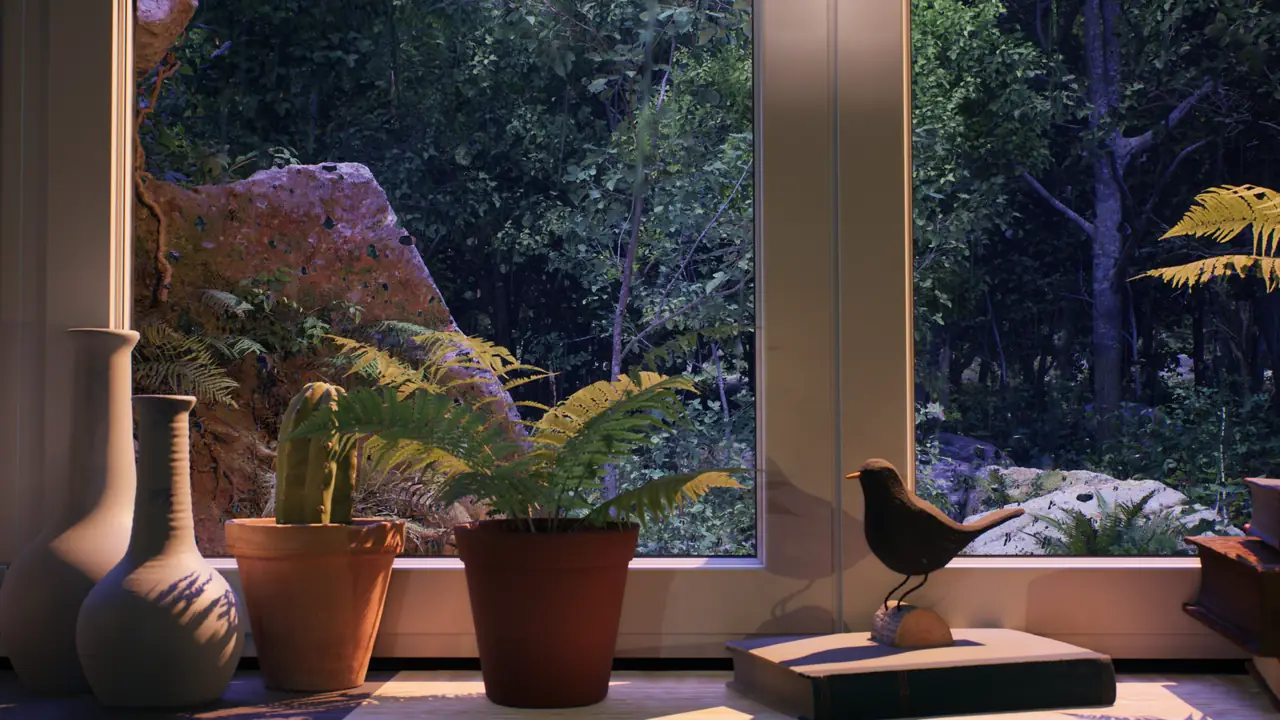
Living room
Use a warm city, rain or winter scene during conversation, dinner or reading. Lower the TV brightness until the candlelit details feel related to nearby lamps rather than brighter than them.
Candlelight ambience
Candlelight ambience can turn a television, monitor, or projected image into a calm source of visual warmth. Instead of leaving a dark rectangle in the room, you can display a long-form scene with candles, amber lamps, rain, snow or a sheltered interior and let the screen become part of the evening atmosphere.
The effect works best when the image is treated as quiet room decor rather than a program that demands attention. Slow movement, a stable composition and gentle sound allow the glow to sit beside reading, conversation, rest or work without constantly pulling the eye back to the screen.
Window Ambience Studio builds this mood through original 3D environments. Candlelit details and warm interior light sit against rainy, snowy or gothic window views, creating a soft and versatile visual theme for evening rooms.
Use these scenes on a TV as a warm ambient background, or follow the projection guide to place a larger candlelit atmosphere on a suitable wall.
Visual warmth
Candlelight introduces small, familiar variations: highlights shift, shadows soften and warm points of light balance cooler weather outside the window. A screen cannot reproduce the physical presence of real candles, but it can bring that visual rhythm into a room without requiring the image to become its main attraction.
The contrast is especially effective in dim evening interiors. Amber details connect naturally with table lamps, wood, books and textiles, while rain, snow or distant city movement keeps the wider composition alive. The result feels warm without depending on a single seasonal motif.
Sound should remain secondary. Rain, distant city ambience or a soft room tone can add depth, but silence is equally valid for reading, sleep routines and shared spaces. The screen should support the activity already happening in the room.
The most convincing result comes from balance. A screen that is too bright looks like a light box, while a restrained picture mode lets the candlelit details remain part of the decor. The goal is to create a steady focal point and a warmer overall feel, not the imitation of a real light source.
Room ideas
Choose the scene and screen settings according to how the room is used. Candlelit ambience should support the space rather than impose the same mood everywhere.
Use a warm city, rain or winter scene during conversation, dinner or reading. Lower the TV brightness until the candlelit details feel related to nearby lamps rather than brighter than them.
Choose a darker composition with candles, rain or snow. Keep the volume very low or muted, use a sleep timer and avoid a vivid picture mode so the screen remains a quiet background before rest.
Candlelit windows pair naturally with books, a side lamp and darker textiles. Place the screen beyond the reading position so movement adds depth without competing with the page.
A restrained candlelit scene can replace news, advertising or a blank display. Select minimal cuts, no sudden brightness changes and sound low enough that conversation and announcements remain clear.
Warm interior scenes can help an existing screen relate to seating, wood, textiles and soft lighting. Long-form playback avoids menus and transitions that would make the installation feel temporary.
Scenes to watch
The current catalog combines candlelit interiors with rainy city streets, snow, moonlight and gothic architecture. Each scene places the warm details inside a wider virtual environment, giving the eye weather, depth and a view beyond the room.
Start with the scene whose light and movement fit your interior. Rain creates a protected evening feeling, snow gives the image a quieter seasonal rhythm, and candlelit gothic architecture adds a more cinematic atmosphere.
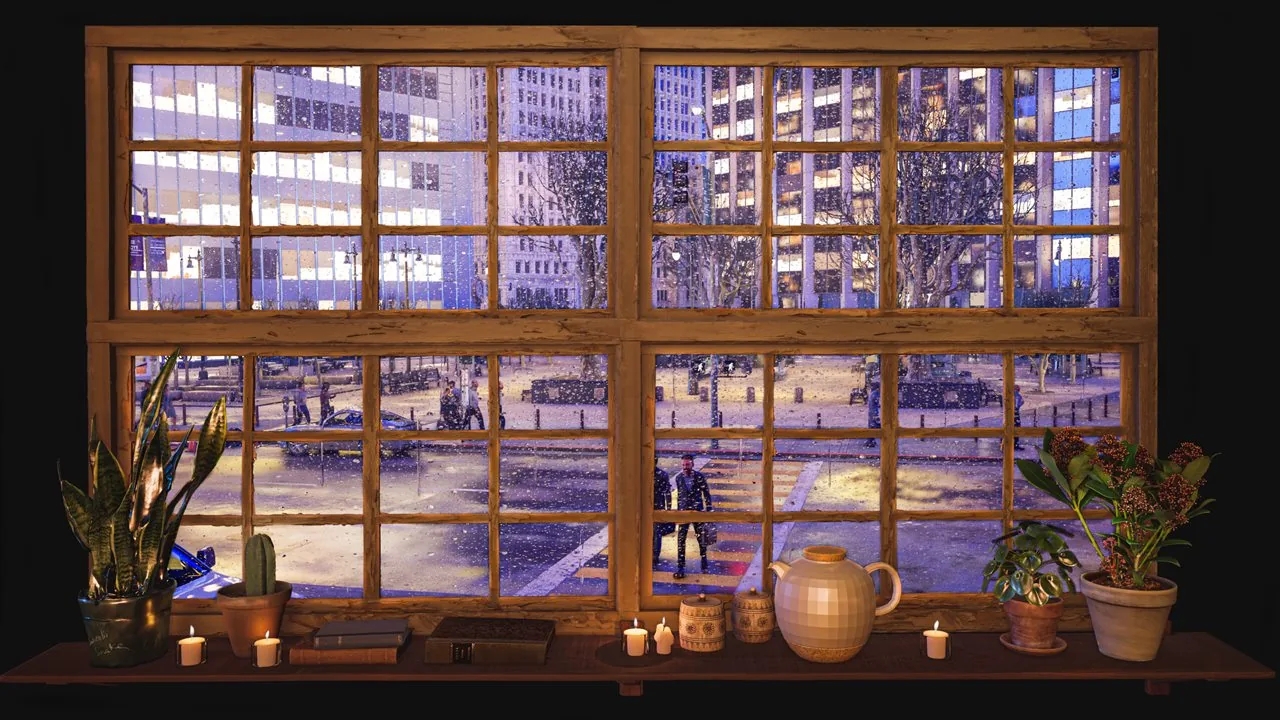
City window ambience
A rainy city street, passing movement and warm candlelit details create the liveliest scene in this collection. It works well for dinner, reading or an evening living room.
Watch on YouTube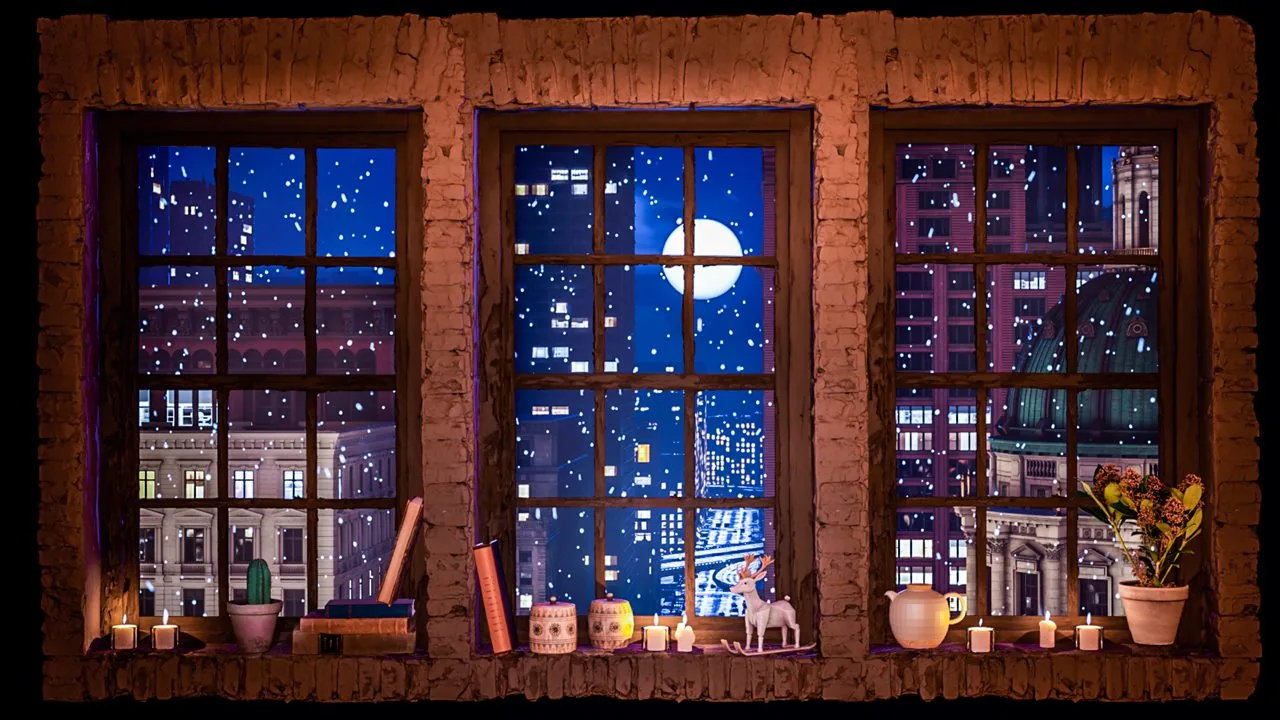
Snow ambience
A snowy city beyond the window is balanced by candlelight and warm decor in the foreground. Choose this scene for a sheltered winter mood with gentle visual contrast.
Watch on YouTube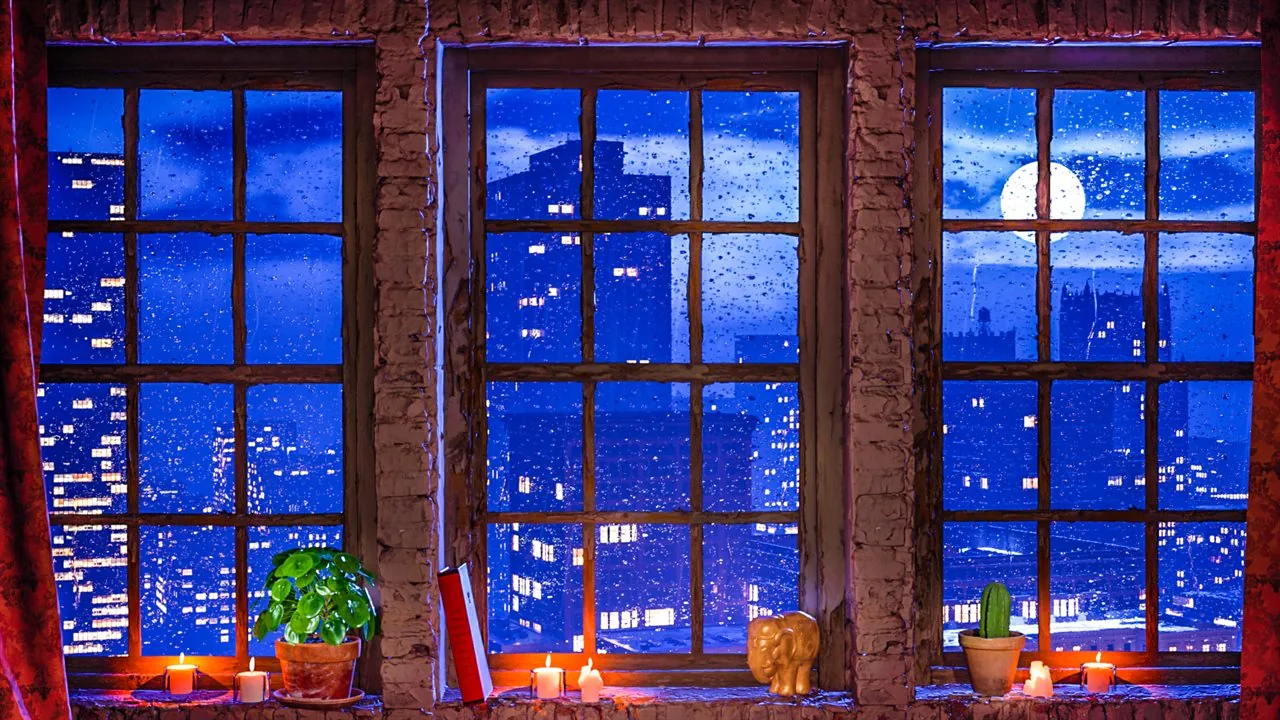
Rain ambience
Moonlight, candles and rain reflections create a versatile low-light ambience for bedrooms, quiet screens and projection setups.
Watch on YouTube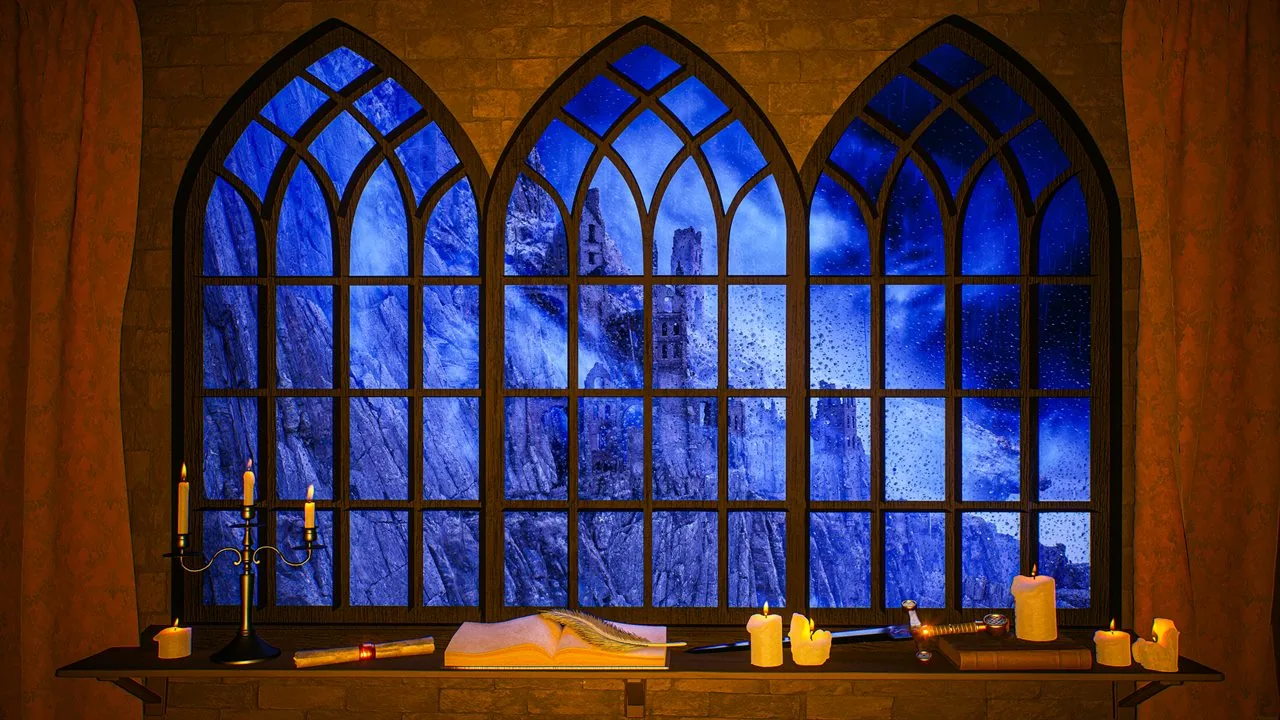
Medieval ambience
Blue rain, distant stone architecture and candlelit details offer a more cinematic choice for fantasy rooms, reading corners or darker projector walls.
Watch on YouTubeScreen setup
A few restrained adjustments usually make more difference than extra equipment. Set the screen first, then tune the lamps and sound around it.
Begin with a cinema, filmmaker or other warm picture mode. Reduce brightness until dark areas stay dark and candle highlights no longer brighten the whole room.
Rain, distant city ambience and room tone should sit behind reading or conversation. For sleep or public spaces, silence may be the better choice.
A close TV benefits from a darker scene. A projector needs enough distance and a clean surface to preserve detail without becoming oversized.
Warm side lamps, wood, neutral textiles and plants can help the image feel integrated. Avoid a bright cool lamp beside an amber scene and watch for reflections.
For projector placement, wall choice and ambient-light control, use the fake window projection guide . It explains how to scale a calm virtual scene without letting the image dominate the room.
For reception areas, spas and other guest environments, the Hotels & Spas guide covers screen placement, sound and venue-specific considerations.
For candlelit scenes with a stronger old-world setting, continue with the Medieval and Fantasy Ambience guide .
Frequently asked questions
Practical answers for using candlelit ambience videos on TVs, projectors and quiet screens.
Yes. Any TV that can play a long YouTube video can display candlelight ambience. Use a warm or cinema picture mode, lower brightness to suit the room and disable notifications or autoplay interruptions when possible.
It can support a quiet bedtime routine when the image is dark, the sound is low and a sleep timer is set. Reduce light output and turn the screen off if it remains distracting.
Yes. A projector can create a larger warm atmosphere on a pale, uncluttered wall. Control nearby light, keep the image at a believable scale and place the projector where fan noise and shadows will not disturb the room.
No. A warm lamp is enough to connect the screen to the room. If you use real candles, keep them away from the television, projector, cables, curtains and other flammable materials.
Continue watching
Open the Window Ambience Studio channel for long-form scenes, or browse the full video collection to compare rain, city, forest, snow, lake and cinematic moods.