A real fire combines several kinds of gentle change: light rises and falls, shadows move across nearby surfaces, and small variations repeat without becoming perfectly predictable. A screen cannot reproduce physical heat, but it can bring a similar visual rhythm into a room. Warm amber highlights also contrast naturally with dim evening interiors, making a TV feel less like unused equipment and more like an intentional focal point.
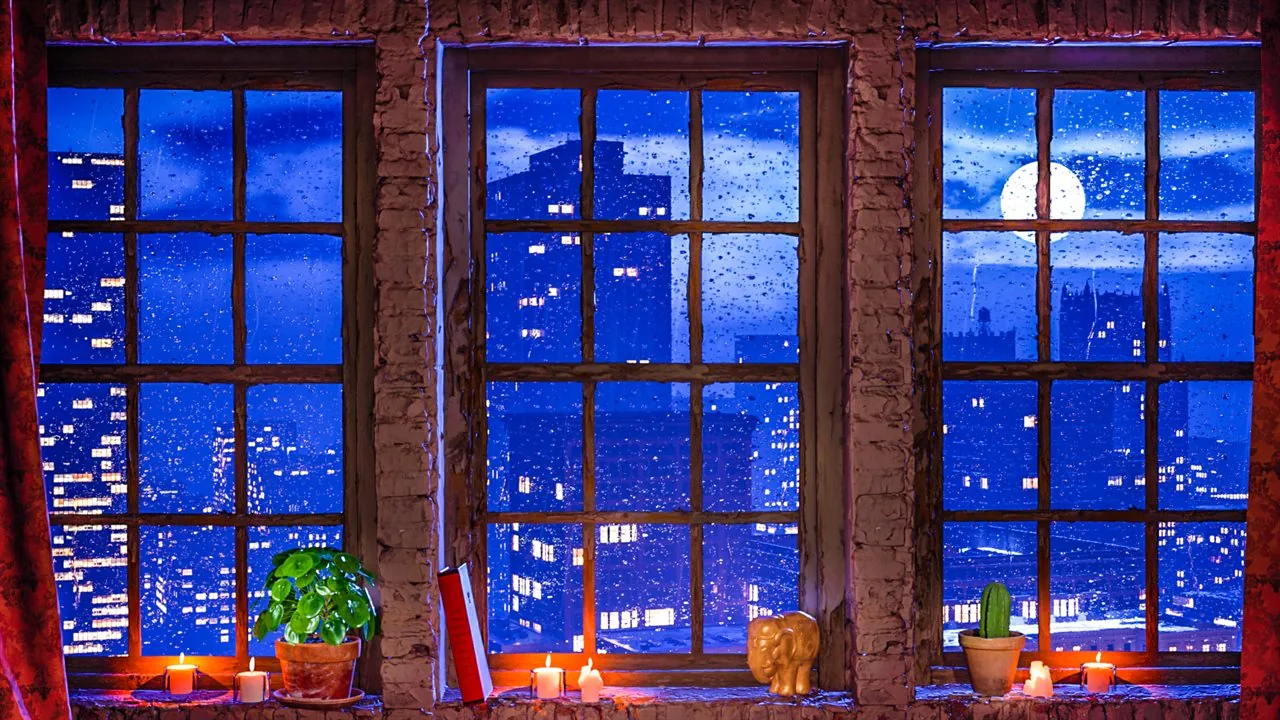
Fire sound can support the same effect when it remains subtle. Soft crackle, low room tone, rain beyond a window or distant city noise creates a layered soundscape that many people find easy to leave in the background. This is close to the appeal of ASMR: the sound is detailed enough to create presence, but quiet and repetitive enough to avoid becoming the main activity.
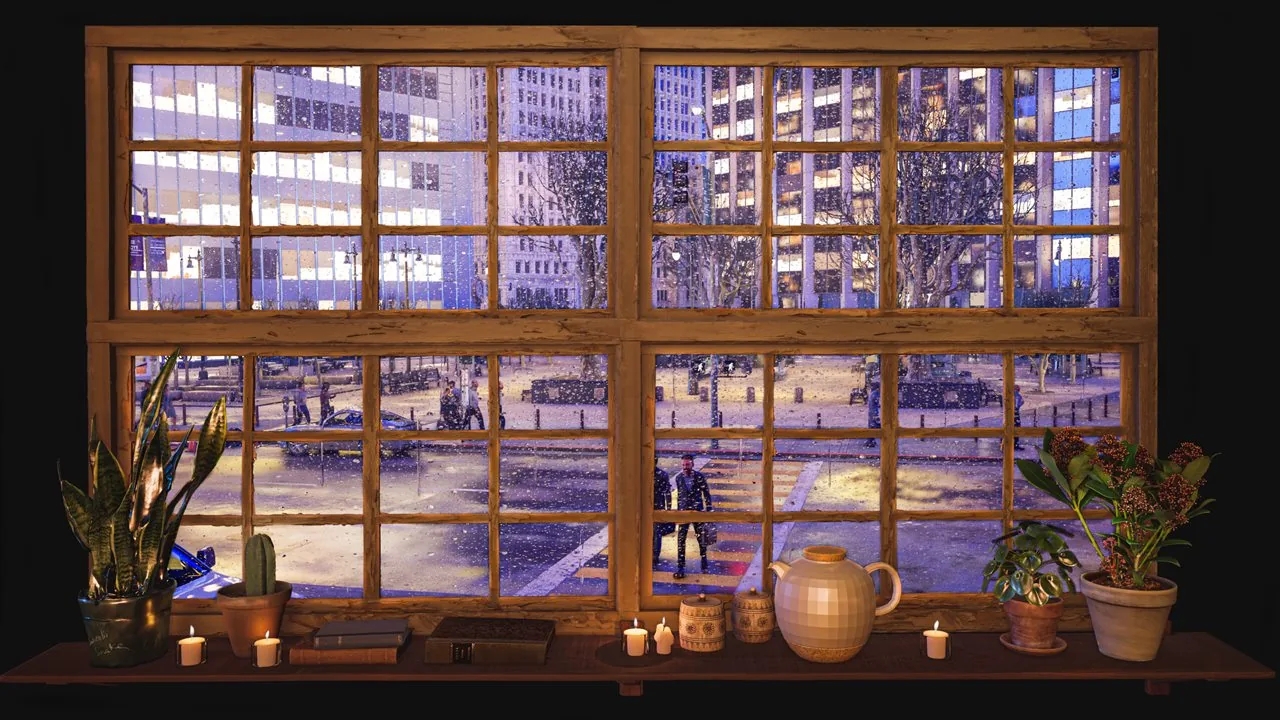
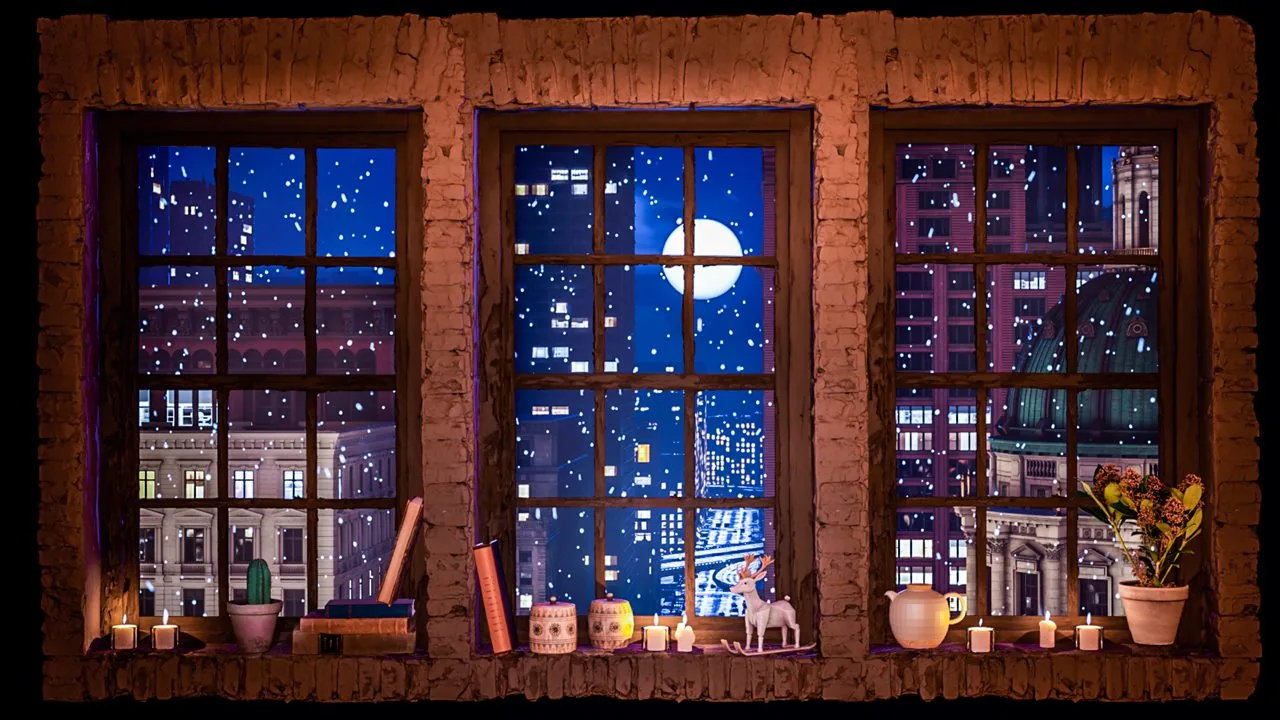
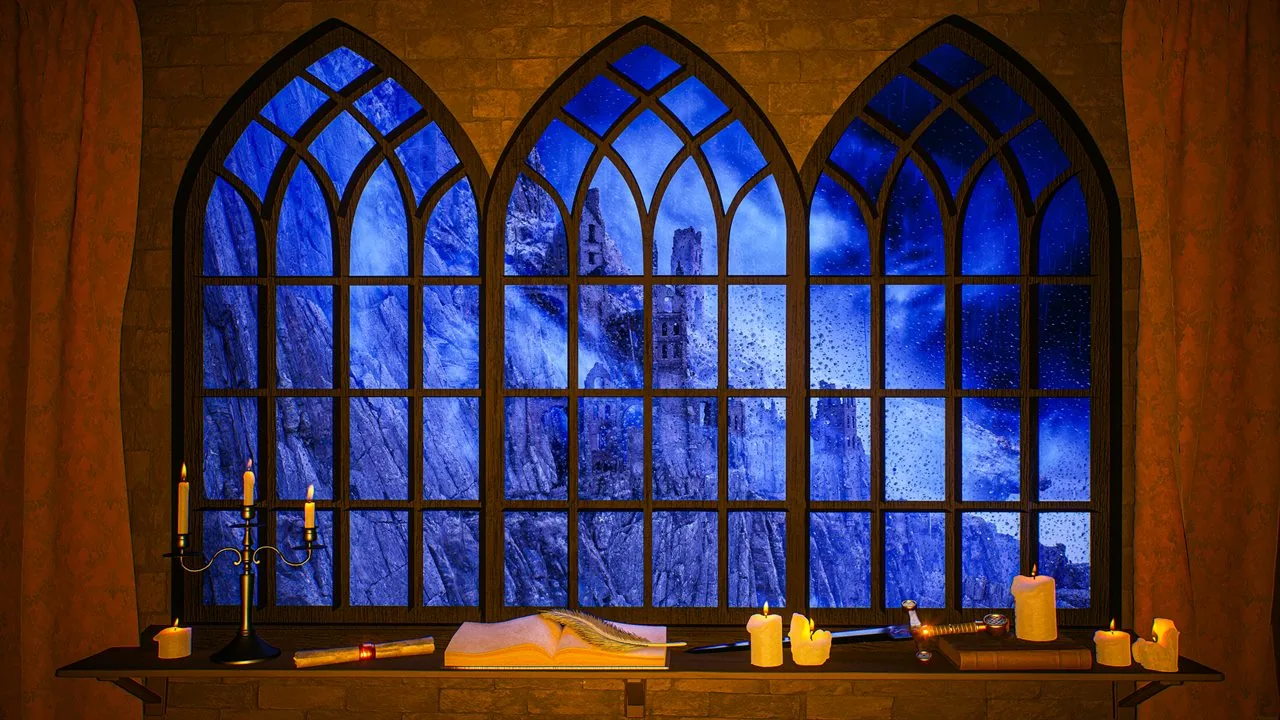
The familiar television yule log helped establish fireplace video as a seasonal ritual, but the format is useful beyond holidays. A virtual fireplace can accompany an autumn evening, a winter morning, a reading session or a calm hotel lobby. Scenes that combine the glow with weather or a window view also work throughout the year because they feel like complete places rather than seasonal graphics.
The most convincing result comes from balance. A screen that is too bright looks like a light box; sound that is too loud feels theatrical. Lower settings let the eye notice the warm movement without expecting literal heat. The goal is not to imitate a working fireplace perfectly, but to give the room a steady center and a warmer visual temperature.