
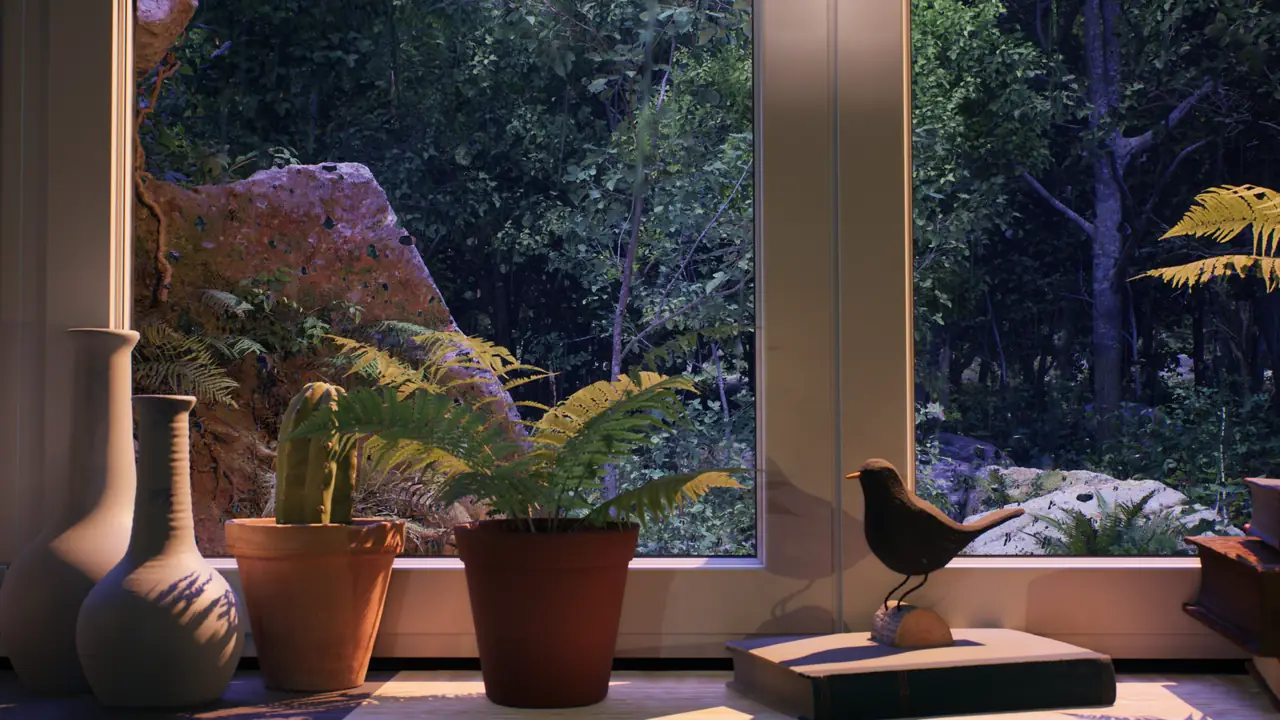
Immersive room decor, in this context, means giving a screen a visual role within the room instead of asking it to hold your attention. A TV can feel like a dark city window, a monitor like a small forest opening, or a projected image like part of the wall. You notice the weather, light and depth, but you do not need to follow a plot.
That makes ambient decor different from watching a film, a livestream or a sequence of short clips. The screen stays present while reading, working, talking or resting, and its movement remains slow enough to sit at the edge of attention. The useful test is whether the room still feels coherent when you stop looking directly at the display.
The result depends on the scene, the furniture and colors already in the room, the available light and the way the display is placed. A blue rainy castle will behave differently beside pale wood than beside dark shelves, and a bright forest scene may feel balanced by day but too strong at night. This is a practical effect built with familiar equipment, not an elaborate installation.
What makes a screen part of the room
A display starts to feel less like a device when its movement, sound and brightness stop signaling that something important is about to happen. Slow rain, drifting cloud, candlelight or a fixed forest view gives the eye small changes without introducing a new subject every few seconds. Once the pattern becomes familiar, the image is easier to accept as a surface in the room.
The physical shape of the display already supports that shift. A television or monitor is a rectangle with a clear edge, much like a window, framed picture or architectural opening. A projector removes the black panel but keeps the same readable boundary when the image is sized and aligned with restraint. Scenes composed around a window frame, horizon or stable foreground make that geometry easier to understand.
Active entertainment prevents the same effect because cuts, dialogue, captions and large changes in brightness repeatedly pull attention back to the screen. Even a beautiful travel video can feel restless if the camera keeps moving or the edit jumps between locations. Immersive decor works through continuity: the screen remains alive, but its visual behavior becomes predictable enough to belong beside a lamp, bookshelf or curtain.
Projector, TV or monitor — which works best
Projector
A projector creates the most architectural result because the image occupies a wall without a permanent black panel. It suits a dedicated or semi-dedicated space with controlled daylight, a clear throw path and a smooth matte surface. A moderate, aligned image usually reads more like an opening than a wall-sized picture touching furniture and corners. Projectors still need ventilation, cable planning and enough darkness to preserve contrast. They work best when those constraints do not turn every use into a setup task.
TV
A TV is the most practical choice for a bedroom or living room because it is already installed, bright enough for evening light and simple to start. Its frame and mount matter: a level wall mount, low-profile stand or restrained cabinet helps it feel intentional. The black bezel remains visible, so scenes with a window frame or dark edges make that border more plausible. Keep other glowing devices away because they reinforce the TV's technological role. Careful brightness and surrounding decor can still make it behave like a quiet room feature.
Monitor
A monitor fits desks, shelves and compact corners where a larger display would dominate the wall. As a secondary screen beside the task area, it can show a forest, city or medieval scene without sitting behind documents or calls. Check the viewing angle because some monitors lose contrast or shift color when seen from a bed or chair. Match brightness to the nearest desk lamp and lower it after dark. The smaller scale limits the architectural effect but can still make a work corner feel thoughtfully designed.
For throw distance, wall choice and alignment in larger setups, use the fake window projection guide before deciding how much of the wall the image should occupy.
Choosing the right ambience for immersive decor
Start with the room rather than the video library. Note the dominant materials, nearest lamp, daylight and mood already present. A useful scene extends one of those qualities instead of introducing an unrelated theme.
Warm interiors accept candlelight, city reflections and candlelit tones, while pale or plant-filled rooms often suit forest, lake or snow. The colors need not match exactly, but the screen should relate to the nearest lamp and largest surfaces. If it creates the room's only strong color, it will read as a display first.
Gothic castle and medieval scenes
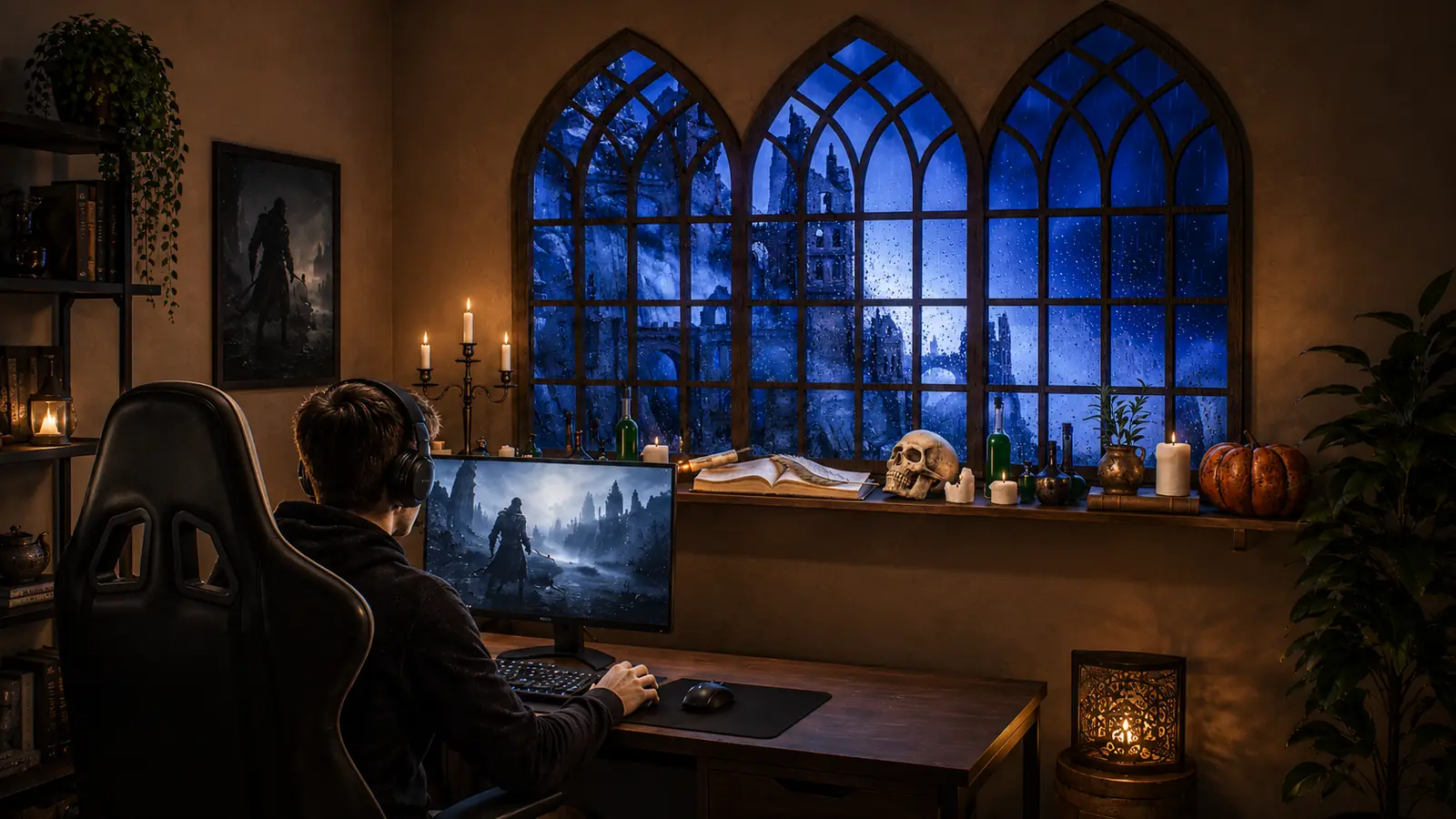
Gothic and medieval ambience has a deliberate identity: candlelit stone, blue night tones and rain create a darker cinematic layer. It fits themed reading rooms, dark home offices and game rooms. In a bright minimal room, it may look detached from everything around it.
Watch Rainy Gothic Castle Window Ambience on YouTube for candlelit stone and blue rain. It works best with dark wood, books and warm side lamps.
Rain and window scenes
Rain is the most versatile starting point because a window view is already familiar within a room. Droplets, reflections and distant movement add depth without requiring a strong theme. The Rain Ambience collection includes city, forest, cabin and lake views.
Watch Rainy City Window Ambience on YouTube for warm urban reflections after dark. It suits living rooms, bedrooms and reading corners that need a familiar evening view.
Forest and nature scenes
Forest scenes bring cooler greens, natural light and enclosure. They fit rooms with wood, plants, stone or matte textiles because the image continues an organic palette. The Forest Ambience collection offers bright daytime views and darker rainy windows.
Watch Forest Window Ambience with Birds & Thunder on YouTube for layered greenery, soft daylight and restrained movement. It works beside plants, pale wood and quiet desks where the screen suggests an outdoor edge.
Snow and winter scenes
Snow produces softer light and less visible motion than rain. It suits winter evenings and rooms with pale walls, light timber, wool or a Scandinavian feel. The Snow Ambience collection works best with low, warm room lighting.
Watch Snowy City Window Ambience on YouTube for still snowfall and warm interior light. It fits bedrooms, living rooms and quiet seasonal spaces with a restrained winter palette.
Candlelit scenes
Candlelight ambience emphasizes warm interior details rather than a wide outdoor view. Its soft, room-focused light suits living rooms and bedrooms in autumn and winter. Browse Candlelight Ambience for scenes combining candles with rain, snow or city light.
Watch Rainy City Window with Candlelight Ambience on YouTube for rain outside and candlelit warmth. It fits amber lamps, darker textiles and evening seating areas.
Test each scene at the time and light level in which you will use it. A forest balanced by day may become too bright after sunset, while a dark gothic scene may lose detail in the afternoon. Check both bright and dark passages before adjusting the display.
Setting up a display for immersive decor
Picture settings determine whether the screen belongs to the room or stands apart from it. Disable Vivid or Dynamic presets and start with Cinema, Filmmaker, Standard or a restrained custom mode. Lower brightness until the display is no brighter than the room's main lamp, then check that shadow detail and the scene's frame remain readable from the normal seat.
Begin with sound near mute and raise it only until rain, wind or room ambience is just audible from the seated or lying position. Small TV speakers can make ambience thin or sharp, especially at very low volume, so a separate speaker placed away from the screen may sound cleaner. Muted video is completely valid when conversation, reading or existing music already supplies the room's sound.
Remove the signs of playback before treating the image as decor. Hide progress bars, menus, autoplay notices, subtitles and channel logos, and use a long-form loop or prepared playlist to avoid recommendation screens between videos. Near bedtime, set a sleep timer so the display does not remain on after the room is no longer being used.
For projection, keep the image moderate, align it physically and use a matte surface that does not reflect nearby lamps. Confirm that the throw path stays clear of doors, chairs and foot traffic, and avoid relying on heavy digital keystone correction. The projection guide covers these room and equipment constraints in more detail.
Using ambient decor in different spaces
Home living room
A living room needs a balance between ordinary TV use and the decorative effect. Rain or forest gives quiet movement without centering every conversation on the screen. A city window adds depth after dark when its reflections relate to a side lamp. Choose a composition readable from several seats rather than one chair. Keep playback simple enough to return to normal use without rearranging the room.
Bedroom
A bedroom benefits from slow movement, low contrast and a darker scene. Place the display outside the direct sightline from the pillow when possible, so it is not the last bright object you see. Keep sound low or off and always use a sleep timer. Rain, snow and dark forest views sit more quietly than daytime landscapes. Treat the setup as part of a wind-down routine, not as a sleep remedy.
Home office or desk
Place ambient decor on a side monitor or secondary wall rather than behind the task area. This keeps motion away from writing, calls and detailed work. Low volume or silence is easier during focused tasks. Medieval scenes suit a darker study, while the Forest Ambience collection fits desks with plants and wood. Keep the scene stable enough to avoid the restlessness of a changing playlist.
Spa, wellness space or treatment room
Ambient video in a wellness room works when the scene is subtle and sound is near-inaudible. Natural, lake, forest or restrained water views suit more guests than a strong fantasy theme. Avoid rapid cuts, characters and high-contrast movement that competes with treatment or conversation. Keep the display visible without making it a required focal point. The Hotels & Spas page covers quiet professional use.
Windowless rooms and compact spaces
A lake, forest or simple outdoor view can add apparent depth to a small or windowless room. Keep the framing clear: one window with a calm horizon reads more easily than a scene filled with decorative objects. A moderate screen often works better because the surrounding wall establishes the opening. Control reflections and keep storage away from the lower edge. The guide to windowless room ideas combines screen ambience with lighting, mirrors and materials.
Integrating the screen into the room's decor
The physical room around the display decides whether the effect feels deliberate. Curtains placed beside, rather than in front of, a TV can suggest the proportions of a window without pretending that the screen is one. Choose fabric whose color and weight support the room instead of fighting the scene, and keep bright devices or glossy objects away from the display. Plants, wood, textiles and matte surfaces reduce the TV-like feel of a black plastic bezel because they give the eye quieter textures nearby.
Use one or two lamps instead of broad ceiling lighting. Warm side light suits candlelit interiors, candlelit castles and city windows, while softer neutral light works with forests and lakes. Watch the screen from the actual seat: a lamp directly opposite it can appear on top of the landscape and break the sense of depth. Move the lamp to the side, angle the screen slightly or close reflective curtains until highlights belong to the video rather than the room behind you.
Step back after each change and look at the whole wall, not only the image. The strongest setup is usually the one in which no surrounding object competes to be brighter or sharper.
A simple approach to immersive decor
- Read the room first: identify its existing light, materials and mood before choosing a scene.
- Begin dim: start at minimum comfortable brightness and raise it slowly.
- Light from the side: use one or two lamps instead of overhead lighting.
- Keep audio secondary: hold ambience below normal conversation level.
- Protect continuity: choose a long or looping video without menu interruptions.
- Judge from the real position: revisit every setting from the seat, desk or bed where it will be used.
Small adjustments matter more than specialized equipment. A familiar display, a slow scene and controlled room light are enough to test the effect. Change one setting at a time and keep the version that remains comfortable after the first few minutes.
Finding the right scene for your room
The right ambient scene extends the room instead of competing with it. Match the image to the existing light, materials and activity, then adjust brightness and sound from the place where you will actually use it. You can browse all Window Ambience Studio videos to compare rain, forest, city, snow and cinematic moods. The guide to the best fake window videos provides a more focused comparison when the display should read as a view. Keep the scene that still feels coherent when your attention returns to the room.
Mini FAQ
Can ambient videos be used as part of room decor?
Yes. A TV, monitor or projector can display a slow, stable scene as a decorative surface rather than active entertainment. The effect is strongest when brightness, color and sound relate to the room around the display.
What type of display works best for immersive decor?
A projector creates the most architectural image but needs light control and careful placement. A TV is the simplest daily option, while a monitor suits desks and compact corners.
How do I stop the screen from dominating the room?
Disable vivid picture modes, lower brightness to the level of the nearest lamp and choose a scene with slow movement. Keep sound below conversation level or mute it, and remove menus and playback overlays.
Can ambient videos work in hotels, spas or waiting rooms?
Yes, when the scene is subtle, stable and appropriate for a broad audience. Natural or water-based views with very low or muted sound usually fit quiet professional spaces better than strongly themed or high-contrast scenes.
What's the difference between immersive decor and just playing a video in the background?
Immersive decor treats the display as part of the room's visual composition. Background video may still use cuts, dialogue or changing brightness, while decor relies on continuity, restrained sound and a setup matched to the surrounding light and furniture.
Explore long-form ambience scenes on the Window Ambience Studio channel.
Watch on YouTube →