
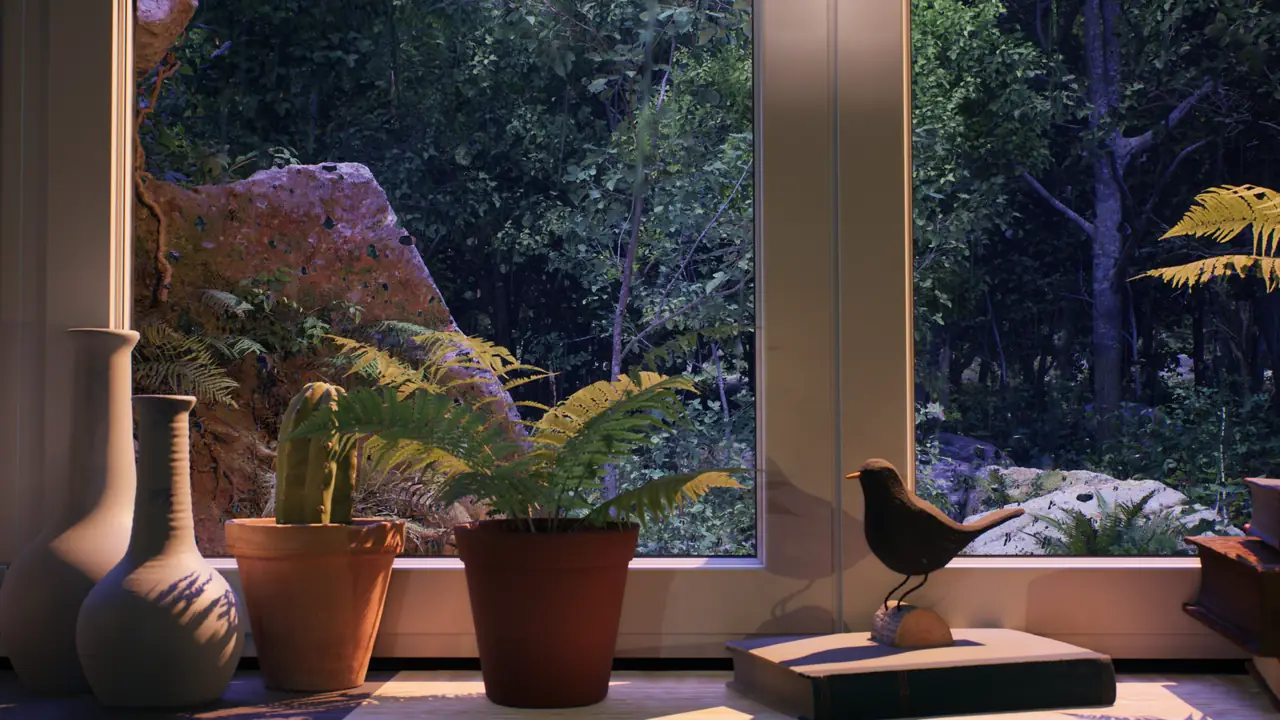
Many hotels, spas, clinics and reception areas already have a screen in the room. The difficult question is what to show on it. News, sports, music videos and short promotional loops can quickly become the loudest visual element, even when nobody has chosen to watch them.
Ambient video offers a quieter alternative. A stable forest, rainy window, slow lake or warm candlelit interior can give the display depth and movement without introducing a story, presenter or sequence of messages. With careful settings, the screen behaves less like a television and more like a soft virtual window.
That restraint matters in professional spaces. The aim is not to entertain every guest or hold attention during a wait. It is to support the space people are already in. This guide explains where ambient videos work, how to choose a scene, how to place and adjust the display, and how to prevent a calm background from becoming intrusive.
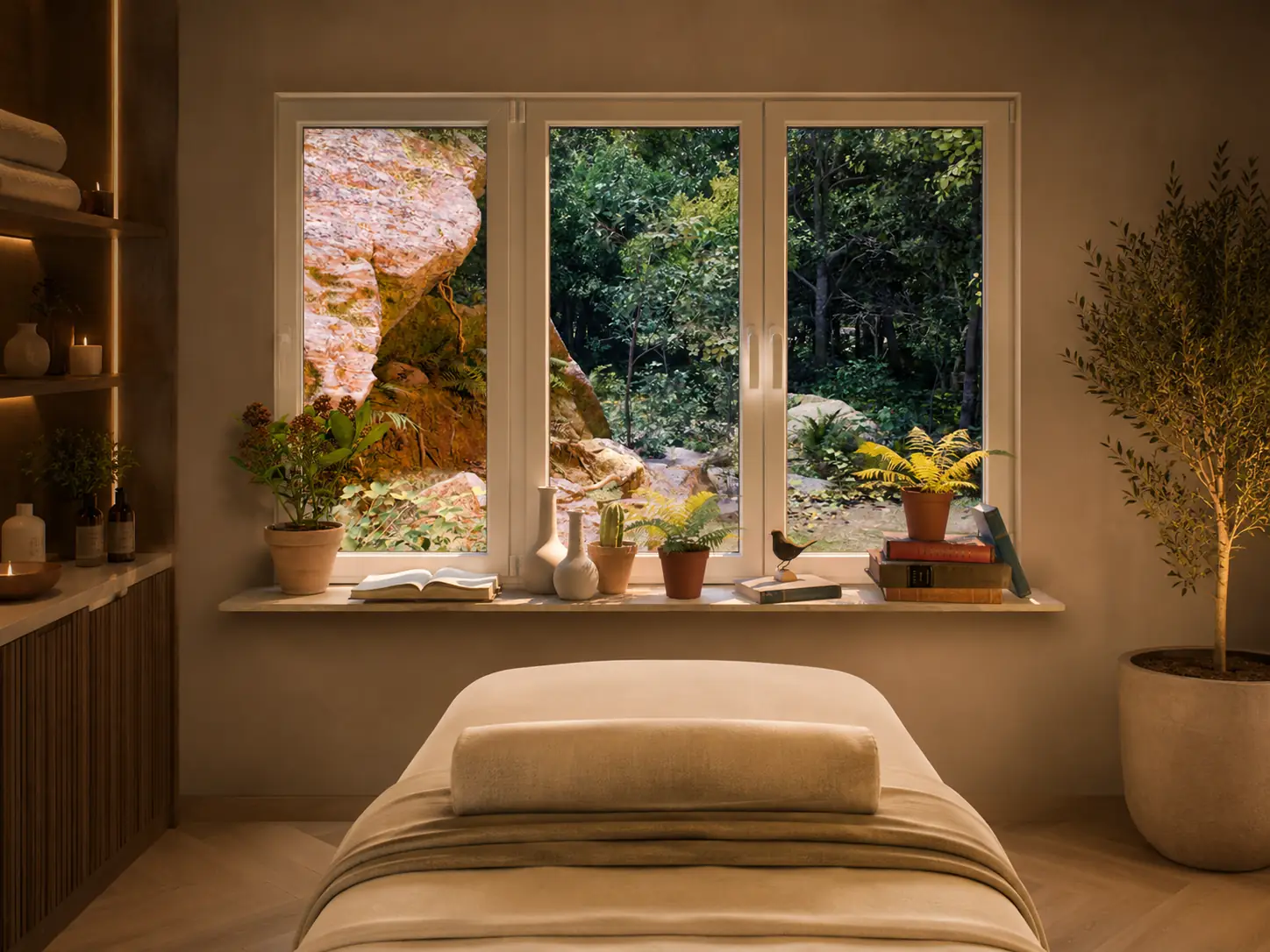
Why ambient videos suit quiet professional spaces
Hotels, spas and waiting rooms often need visual presence without narrative attention. A blank TV can look like an unused black rectangle, while ordinary broadcast content brings dialogue, headlines, rapid editing and changing volume into a space that may otherwise be carefully designed.
Long-form ambient videos work differently. They usually keep a single composition for an extended period and build their movement from familiar elements: rain crossing glass, branches moving in wind, snow passing a streetlight, distant traffic, shifting water or candlelight. Natural light, weather and a visible horizon can add a sense of depth while the composition remains predictable.
There is no story to follow and no dialogue to understand. Guests can notice the scene, look away and return later without missing anything. That makes ambient background videos useful for businesses where the screen should contribute to atmosphere but should not compete with check-in, conversation, reading, treatment or waiting.
The distinction is simple: ambient video is useful when it supports the room. It becomes a problem when it asks guests to watch it. The best setup may make the space feel more considered and less visually empty, but it should never demand a fixed gaze.
Where ambient videos work best
Hotels
Ambient videos for hotels can work in a lobby, boutique reception, lounge, breakfast room, corridor waiting nook or guest room. They are especially useful where a television would otherwise remain black, show generic channels or face a seating area with little visual depth. A stable view can also soften a windowless corner or a room with a limited outlook, without pretending to replace daylight or the real view.
In a lobby, choose enough character to feel welcoming without competing with staff. In a guest room, choice matters more: a visitor may appreciate a rainy city, forest or candlelight, but should be able to turn it off. A virtual window works best as an optional layer, not a constant branded message.
Spas and wellness spaces
Ambient videos for spas suit relaxation areas, treatment rooms, changing areas, massage waiting spaces and reception desks. Slow nature, rain, forest, ocean, lake, soft snow and warm interior scenes tend to integrate more easily than dramatic landscapes or highly saturated animation. The visual should stay stable enough that it does not pull attention away from the purpose of the room.
Waiting rooms
A clinic, therapy office, dental reception, beauty salon or professional waiting area needs particular restraint. Breaking news, sports commentary, fast cuts and promotional loops can add noise to a situation where people may already be watching the time or listening for their name. Relaxing videos for waiting rooms should provide a neutral visual anchor rather than another stream of information.
Calm forest, water, rain or soft seasonal scenes can fill the screen without forcing attention. Keep the picture moderate, avoid dialogue and make sure any sound does not mask announcements or staff communication. Waiting room ambience should remain easy to ignore.
Reception areas and lounges
Reception areas and lounges can usually carry a little more visual identity. A rainy city window may suit a contemporary hotel, candlelight can add warmth to a winter lounge, and a quiet seasonal street can support a temporary campaign without becoming an advertisement. Even here, restraint is more useful than spectacle. The screen should add character while leaving staff, signage and the room itself in the foreground.
Choosing the right scene for the venue mood
The right ambient video for a hotel or spa depends on the venue, its lighting, the materials in the room, guest expectations and the time of day. Start with the mood the space already has - calm, cozy, natural, seasonal, premium or neutral - and choose a scene that extends it. Do not ask one video to correct a room that is too bright, poorly laid out or visually crowded.
Rain ambience
Rain creates a sheltered, reflective mood through droplets, wet surfaces and distant light. It works well in boutique hotel rooms, reading corners, lounges, evening reception areas and spas with warm lamps. A rainy window is usually more neutral than a storm: avoid frequent lightning, heavy thunder or fast traffic when the scene will run for hours. Compare rainy city, forest, lake and interior views in the Rain Ambience collection.
Forest and nature ambience
Forest scenes bring layered green depth, filtered light and small movements from leaves or weather. They suit spas, clinics, therapy offices, waiting rooms and hotel spaces that already use wood, plants, stone or matte textiles. Bright daytime forest can work near reception in daylight; darker rainy forest is often easier to balance in the evening. The Forest Ambience collection includes both clearer and more sheltered views.
Ocean and lake ambience
Water and a visible horizon can create an open, spacious mood in relaxation areas, spa lounges, guest rooms and coastal hotels. Look for slow water and a stable camera rather than dramatic waves or sweeping aerial footage. A very bright horizon may dominate a dim room, so check contrast carefully. The Ocean Ambience page presents the studio's more cinematic water setting.
Snow ambience
Snow works for winter campaigns, cozy hotels, evening lounges and calm public spaces. Slow snowfall outside a city or interior window can feel seasonal without requiring a promotional message. Use it carefully: a large field of white can produce more light than expected and make the room feel cold if the nearby lamps and materials do not add warmth. Browse Snow Ambience for softer winter options.
Candlelight and warm interior ambience
Candlelight ambience is decorative and warm rather than neutral. It fits hotel common areas, guest rooms, winter receptions and lounges where the design already supports amber light, wood or soft textiles. It may be too visually specific for a medical waiting room or a minimalist spa. The Candlelight Ambience collection combines candles with rain, city views and sheltered interiors.
Fantasy or gothic ambience
Fantasy, gothic and medieval scenes belong in venues with a matching identity: themed hotels, creative studios, gaming lounges or event spaces. Stone windows, candlelight and dramatic blue weather can shape the whole room, which is exactly why they are not a default choice for clinics, ordinary waiting rooms or wellness spaces. Use them when the theme is intentional, not simply because the image is striking.
Screen placement and setup
A TV is usually the simplest option because it is bright, familiar and easy for staff to control. A monitor works in compact reception areas or on a side wall where a large display would dominate. A projector can feel more architectural, but it needs controlled light, a clear beam path and a smooth matte surface. The Hotels & Spas guide covers professional use cases, while the projection guide explains wall and projector constraints.
Place the display where it complements the room rather than becoming its stage. The best position is often slightly peripheral: visible from seating, but not centered like a cinema screen. Avoid putting it directly behind a check-in desk, important text, a menu or directional signage. Guests should be able to speak with staff without a bright moving image behind them.
Viewing distance affects how active the scene feels. Close seating makes small highlights, reflections and movement more noticeable, while a distant screen can support a broader composition. For projection, wall color, texture, room brightness and image size all matter. A moderate image with clear edges usually integrates better than an oversized picture touching the ceiling, floor and furniture.
Brightness, sound and playback settings
Brightness
Avoid Vivid or Dynamic picture modes. They are designed to make a screen stand out and often add saturation, cool color and exaggerated contrast. Start with Cinema, Filmmaker, Standard or a restrained custom setting, then lower brightness until the display relates to nearby lamps and daylight. Keep enough detail for the scene to read as a view, but avoid a glowing rectangle in a dark lounge or treatment room.
Sound
In many professional spaces, muted video is the better starting point. If environmental sound is used, keep it low enough not to compete with conversation, announcements or staff activity. Rain, ocean, forest or room ambience should not interfere with treatment, announcements, phone calls, check-in or staff communication. Listen for repetition as well as volume: a short sound loop can become intrusive even when it is quiet.
Playback
Prefer long-form videos with stable framing and few or no cuts. Hide controls, progress bars, subtitles, notifications and recommendation overlays once playback starts. Disable autoplay or use a controlled playlist so the screen cannot jump from a calm forest to unrelated content. Test the end of the video, not only the opening minutes, and make sure staff know how to restart or stop it without exposing account information.
Matching ambient video to the guest experience
Every professional space has its own rhythm. A hotel lobby needs to welcome arrivals while keeping check-in clear. A spa treatment room may need almost no visual stimulation. A waiting room benefits from neutrality. A guest room can offer choice, while a lounge can support a stronger evening or seasonal mood.
The video should support what people are already doing. If guests are reading, talking or waiting for an appointment, the scene should remain behind those activities. If they repeatedly turn toward the screen because of bright cuts, captions, volume changes or visible characters, the content is behaving like entertainment or advertising rather than ambience.
Common mistakes to avoid
- Using a screen that is much brighter than the surrounding room.
- Leaving rain, music or ambient sound loud enough to compete with conversation.
- Choosing fast-cut travel videos, moving cameras or scenes with frequent transitions.
- Showing breaking news or tense sports coverage in quiet waiting environments.
- Playing content with dialogue, captions or visible presenters.
- Repeating short promotional loops until the screen feels like advertising.
- Ignoring reflections from windows, polished tables or mirrors.
- Placing the screen behind staff, menus, directions or important information.
- Allowing autoplay to continue into unrelated videos or recommendations.
- Choosing a scene whose colors or theme clash with the interior.
- Testing from the doorway instead of the guest's actual seat, path or treatment position.
A simple setup routine for professional spaces
- Choose the venue mood first: calm, cozy, natural, seasonal, premium or neutral.
- Pick a stable long-form scene with slow movement and no narrative.
- Test the video from the guest's actual seat or path through the room.
- Lower brightness until the screen belongs to the surrounding light.
- Mute the audio first, then add sound only if it genuinely helps.
- Hide controls, notifications, subtitles and progress bars.
- Prevent autoplay from switching to unrelated content.
- Recheck the setup at different times of day and during normal staff activity.
These adjustments matter more than expensive equipment. Change one element at a time and judge the result during real service, with people, daylight and conversation present.
Finding the right ambient video for your venue
Ambient videos are not about making a screen impressive. They are about making the screen easier to live with. In a hotel, spa or waiting room, the best scene is often noticed softly: a rainy window behind a lounge, a slow forest beside reception, a calm lake in a relaxation area, a quiet candlelit interior in winter or a seasonal city view after dark.
Browse the Window Ambience Studio video collection to compare long-form scenes for TVs, monitors and projector walls. Teams planning a hospitality or wellness installation can also review the Media Kit or contact the studio for brand and media information.
Mini FAQ
Can ambient videos be used in hotels and spas?
Yes. Ambient videos can support the visual atmosphere when the content is subtle, stable and appropriate to the room. The display should remain easy to ignore and simple for staff or guests to turn off.
Are ambient videos suitable for waiting rooms?
Yes, especially when the screen would otherwise show news, sports or promotional content. Use calm visuals, moderate brightness and little or no sound so the screen remains a neutral background.
Should sound be used in a professional space?
Muted playback is often best. If sound is used, keep it very low and make sure it does not interfere with conversation, treatment, announcements, phone calls or staff work.
What type of ambient video works best for a spa?
Slow nature, forest, rain, ocean, lake, soft snow and warm interior scenes usually integrate more easily than dramatic or fast-moving content. Test the scene from the guest's position and with the room's real lighting.
Can a TV or projector be used as a virtual window in a hotel room?
Yes. A stable window-view video can soften a TV or projector wall in a room with a limited view. Adjust brightness, placement and reflections carefully, and let guests turn it off.
Explore long-form ambience scenes on the Window Ambience Studio channel.
Watch on YouTube →